Chapter 1
Write today’s page
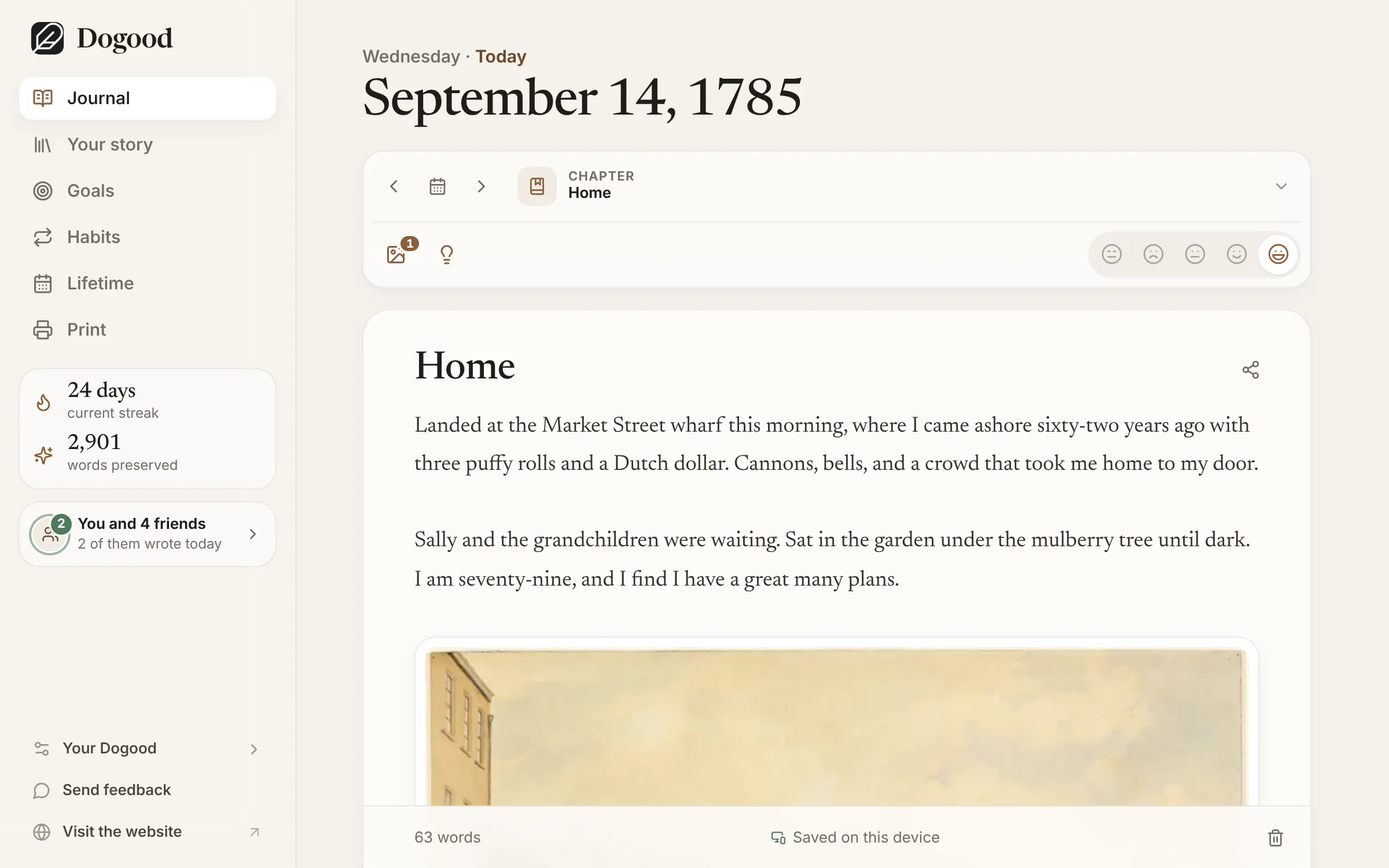
Dogood opens on today’s page. What you write is saved on this device as you type: there is no Save button.
Write on the page
Write directly on the page. A single line is enough.
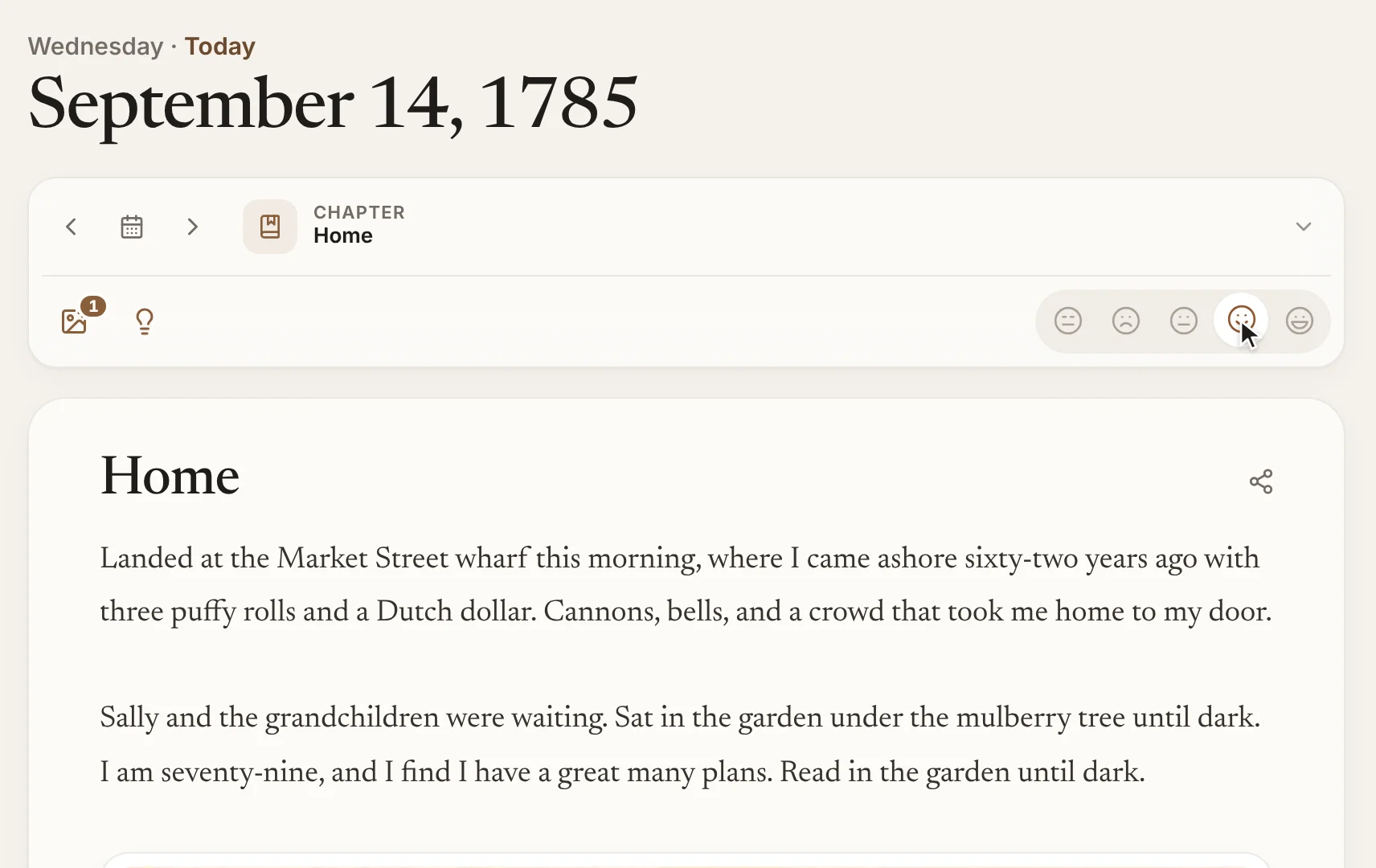
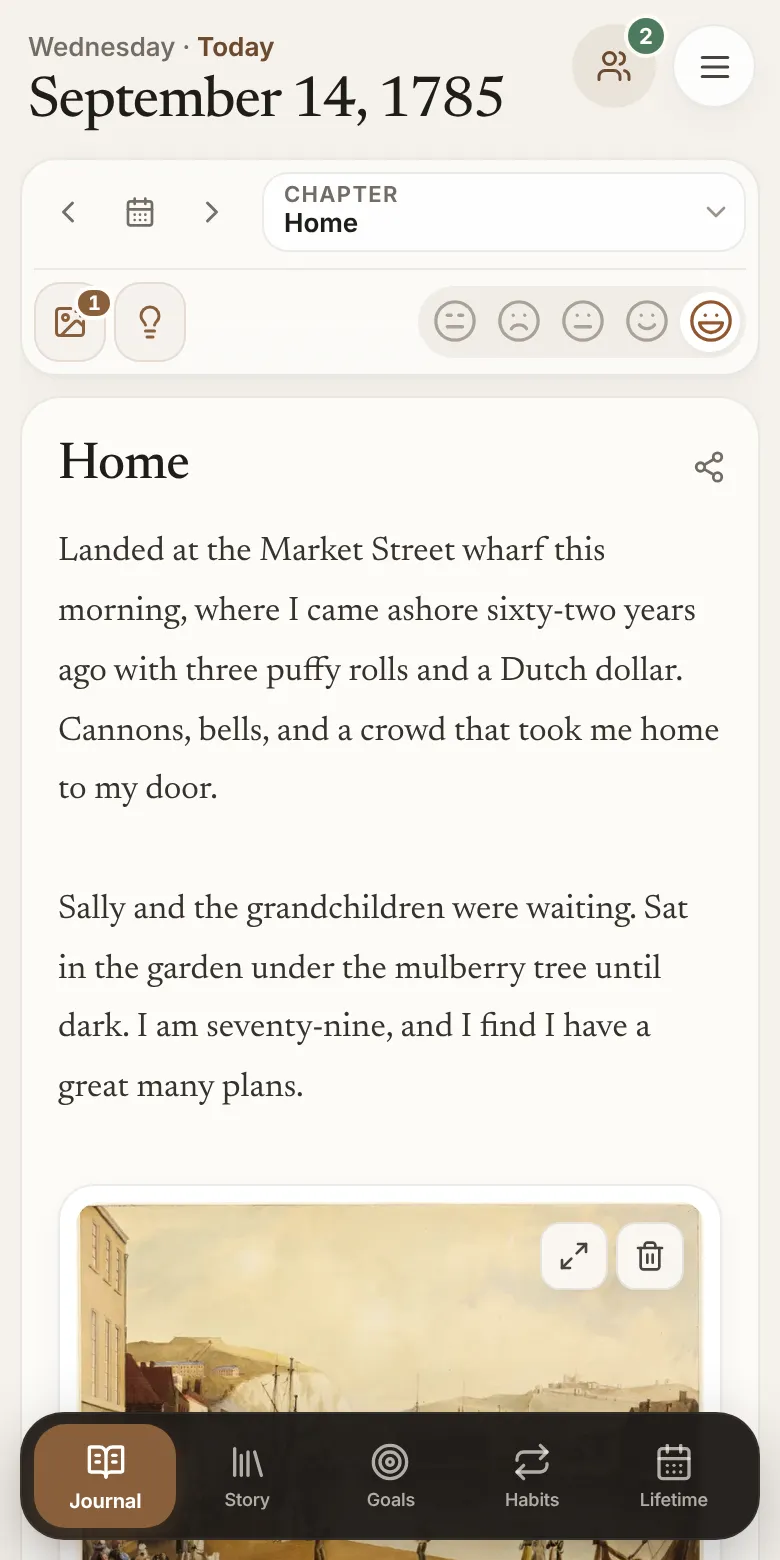
Choose a mood
Pick the face that sums up your day.
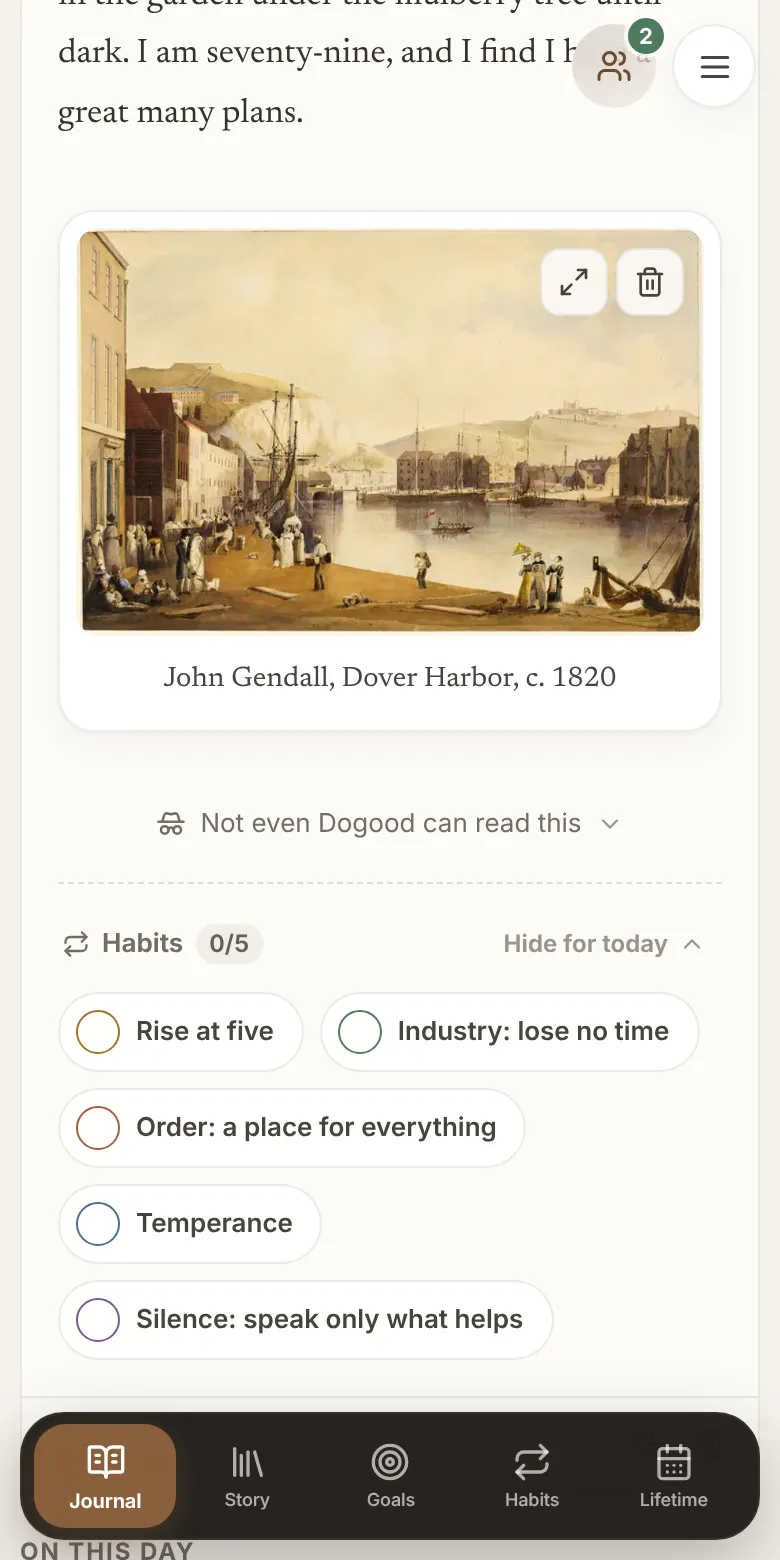
Add a photo
Add a photo of the day, then pick a question about it to start from. One photo a day is free; Dogood Plus keeps them all.
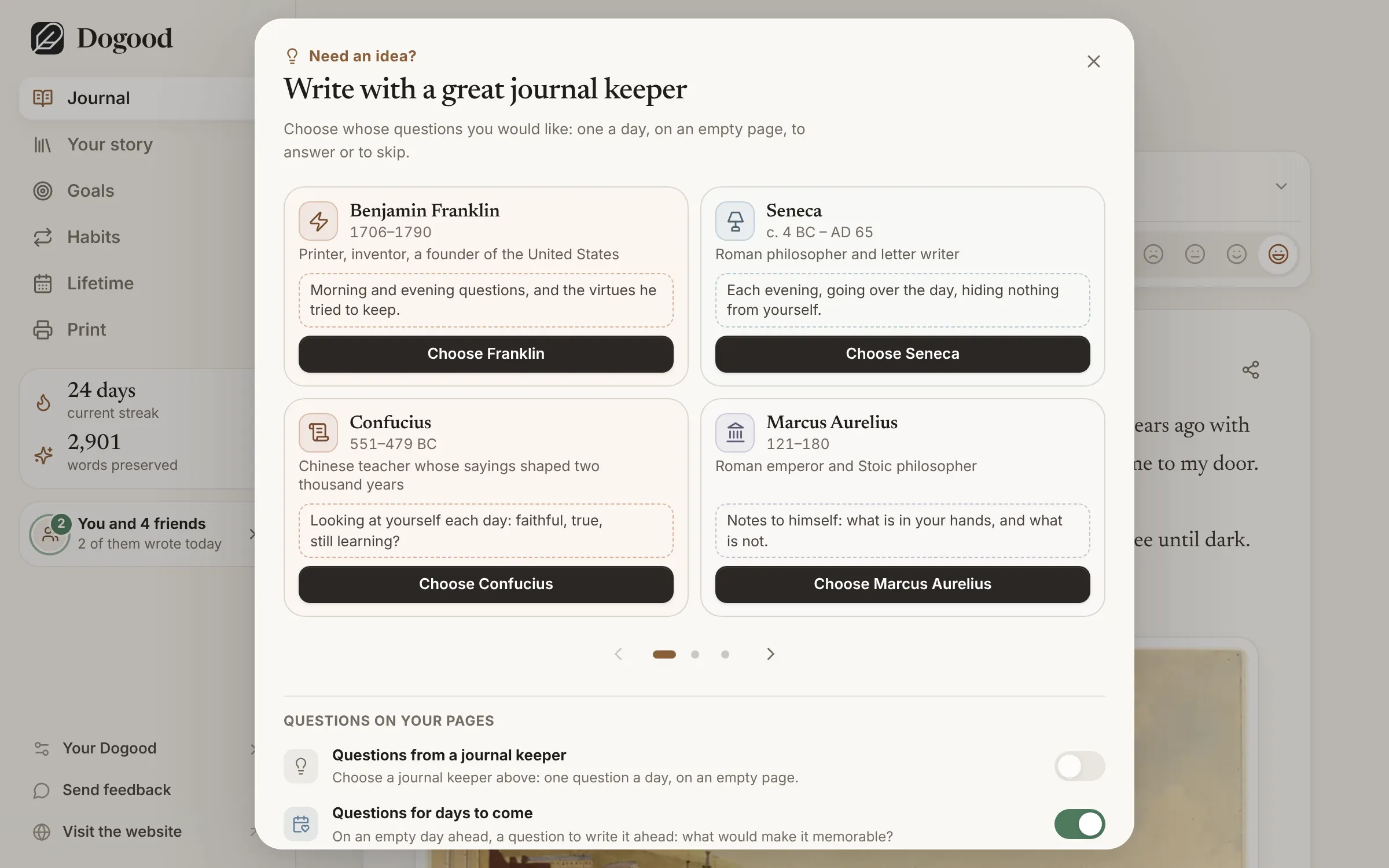
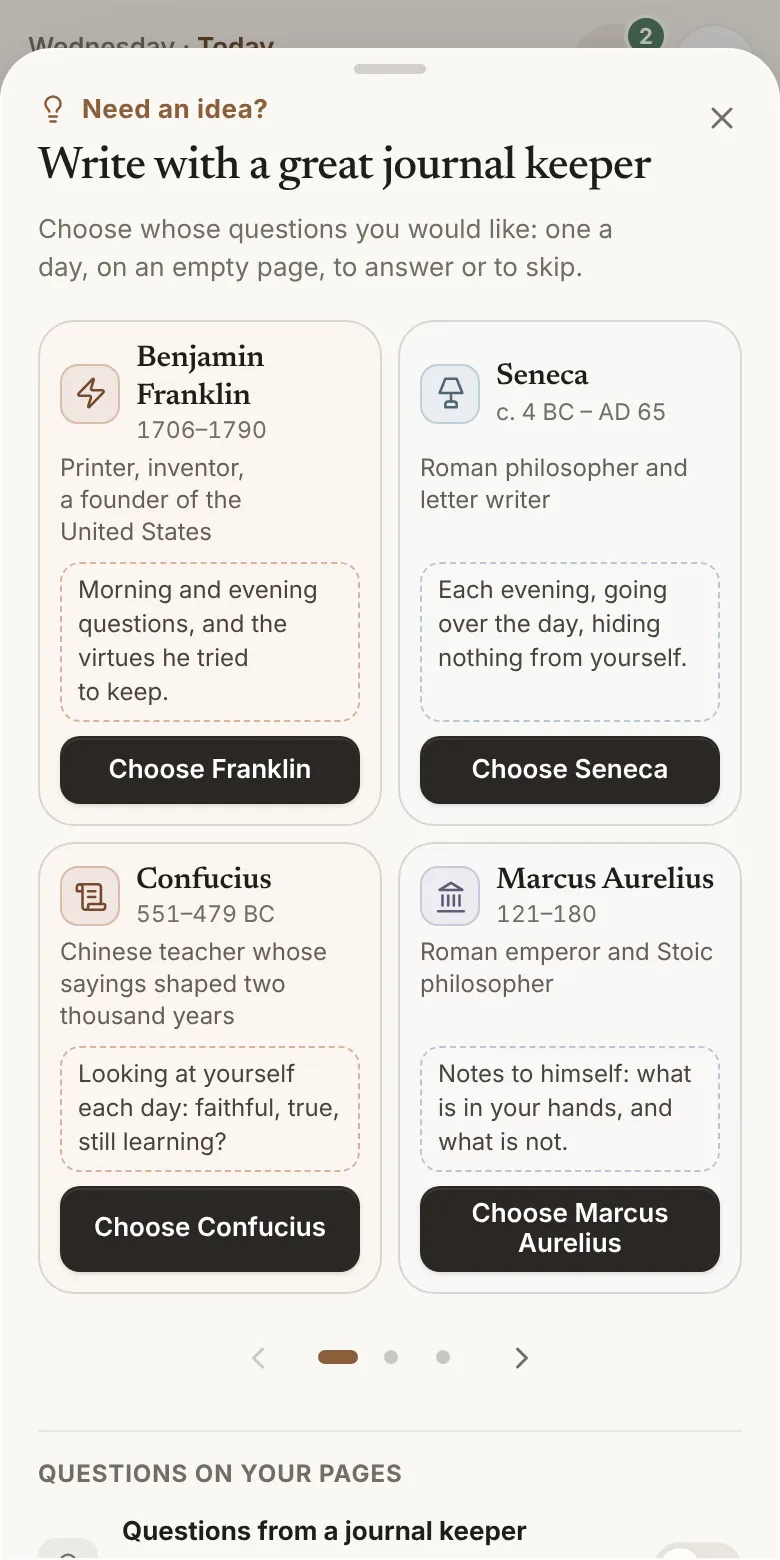
Start from a question
Short of ideas? Tap the bulb for a question to start from.
Tick your habits
Tick the habits you kept today: you choose them in Habits. Done for the day? Hide them until tomorrow.

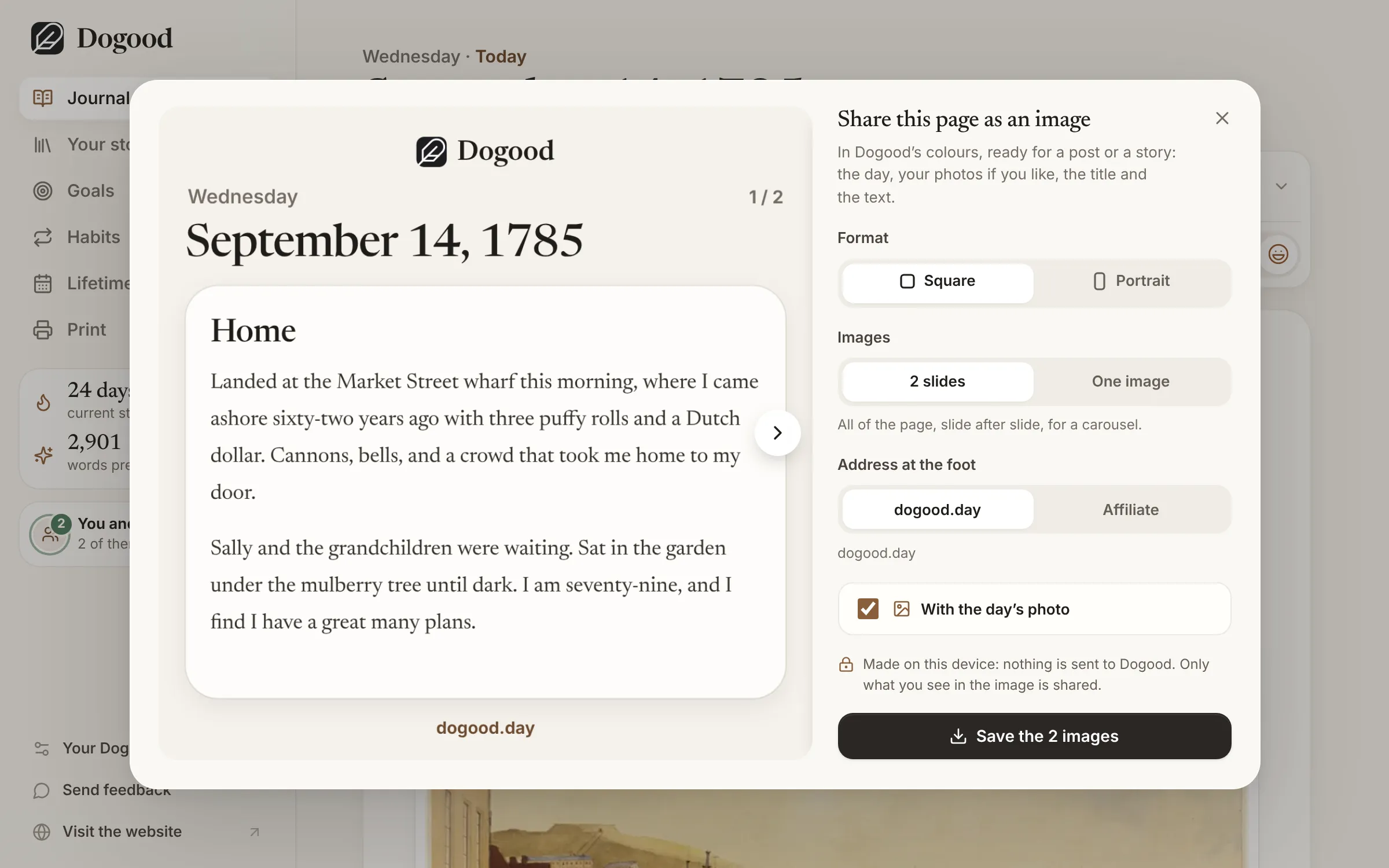
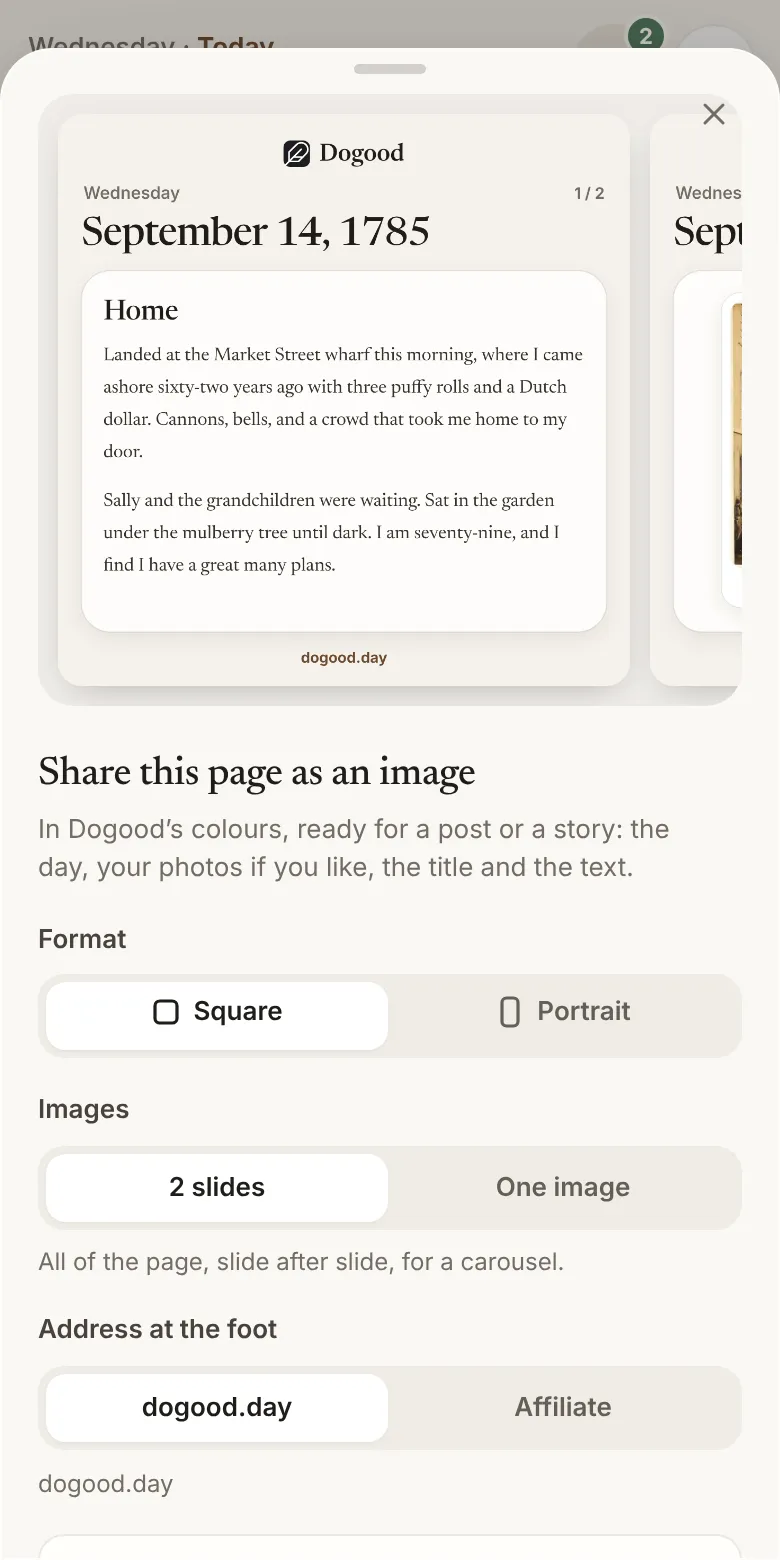
Share a page
Share a page as a picture, square or story-sized, to send or post. Only that page goes, as an image.