Chapter 6
Dogood Plus: sync and dictation
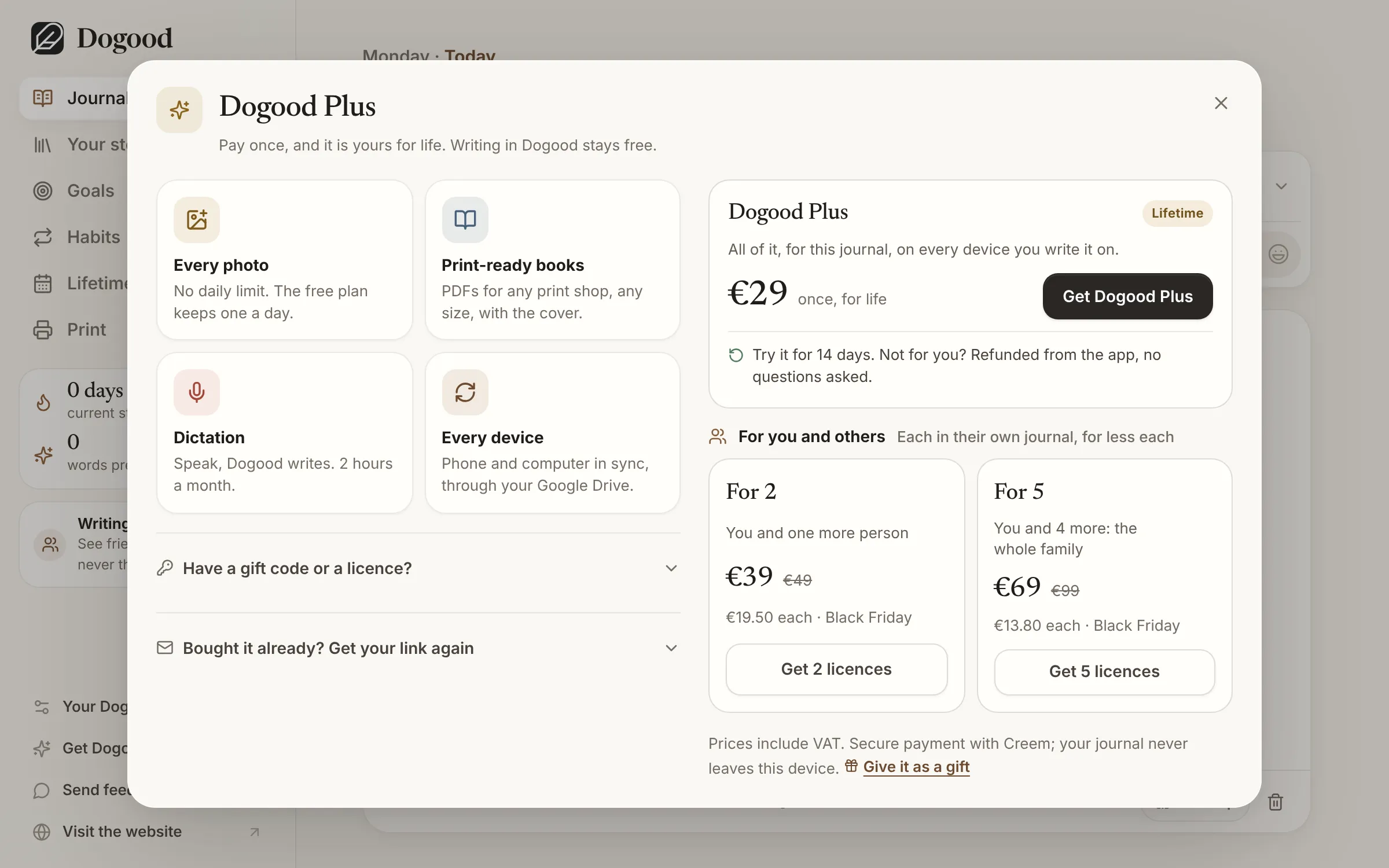
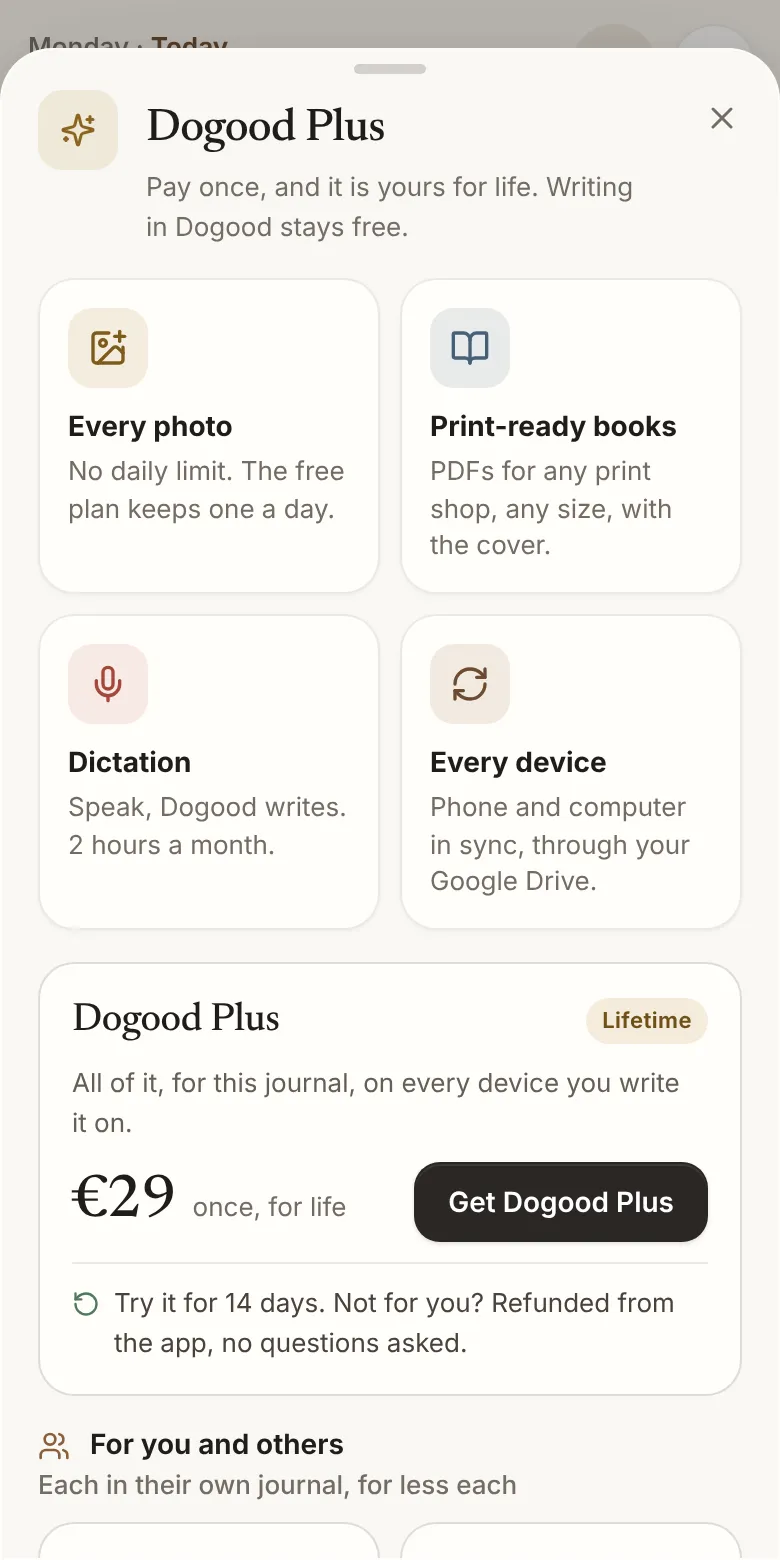
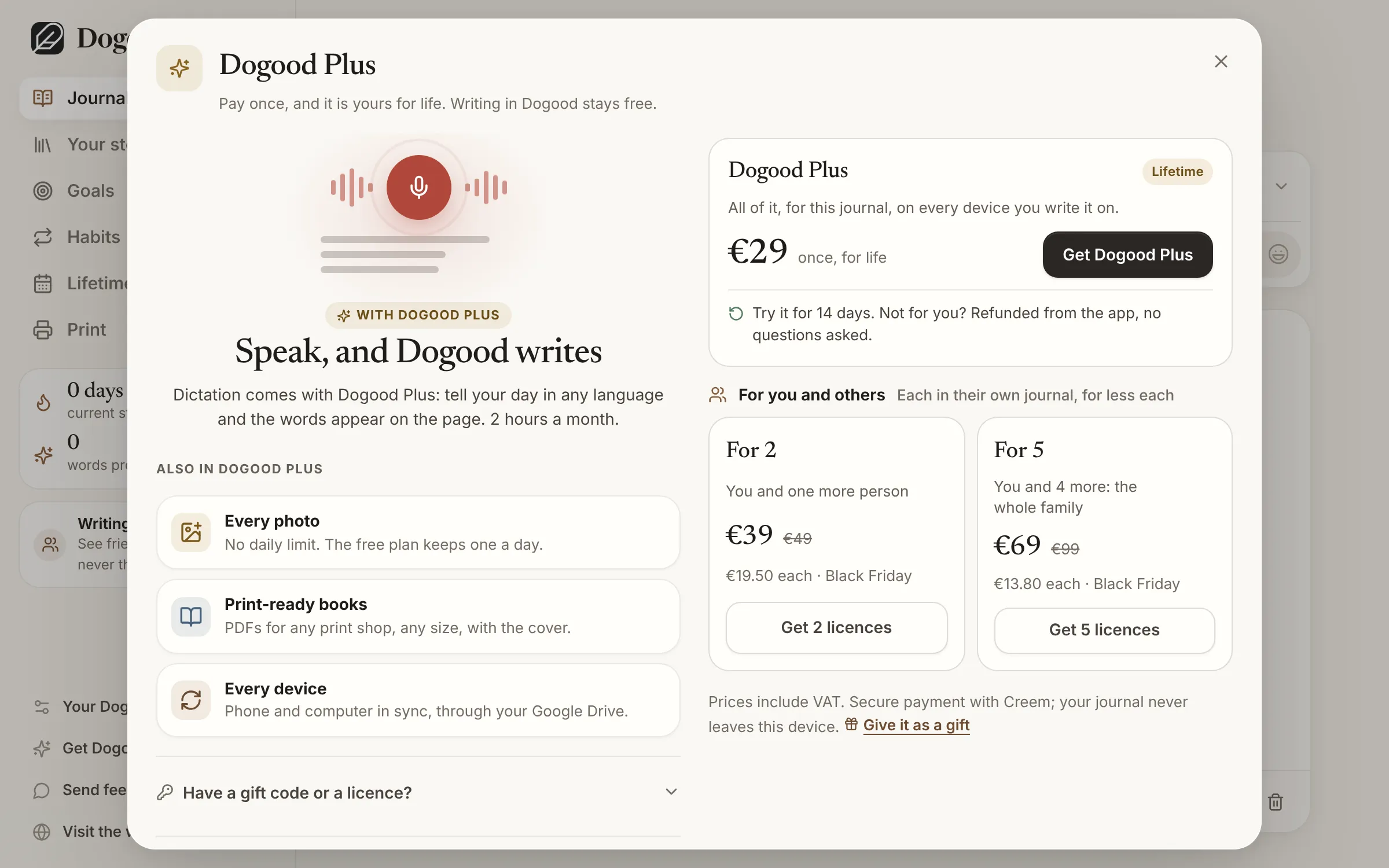
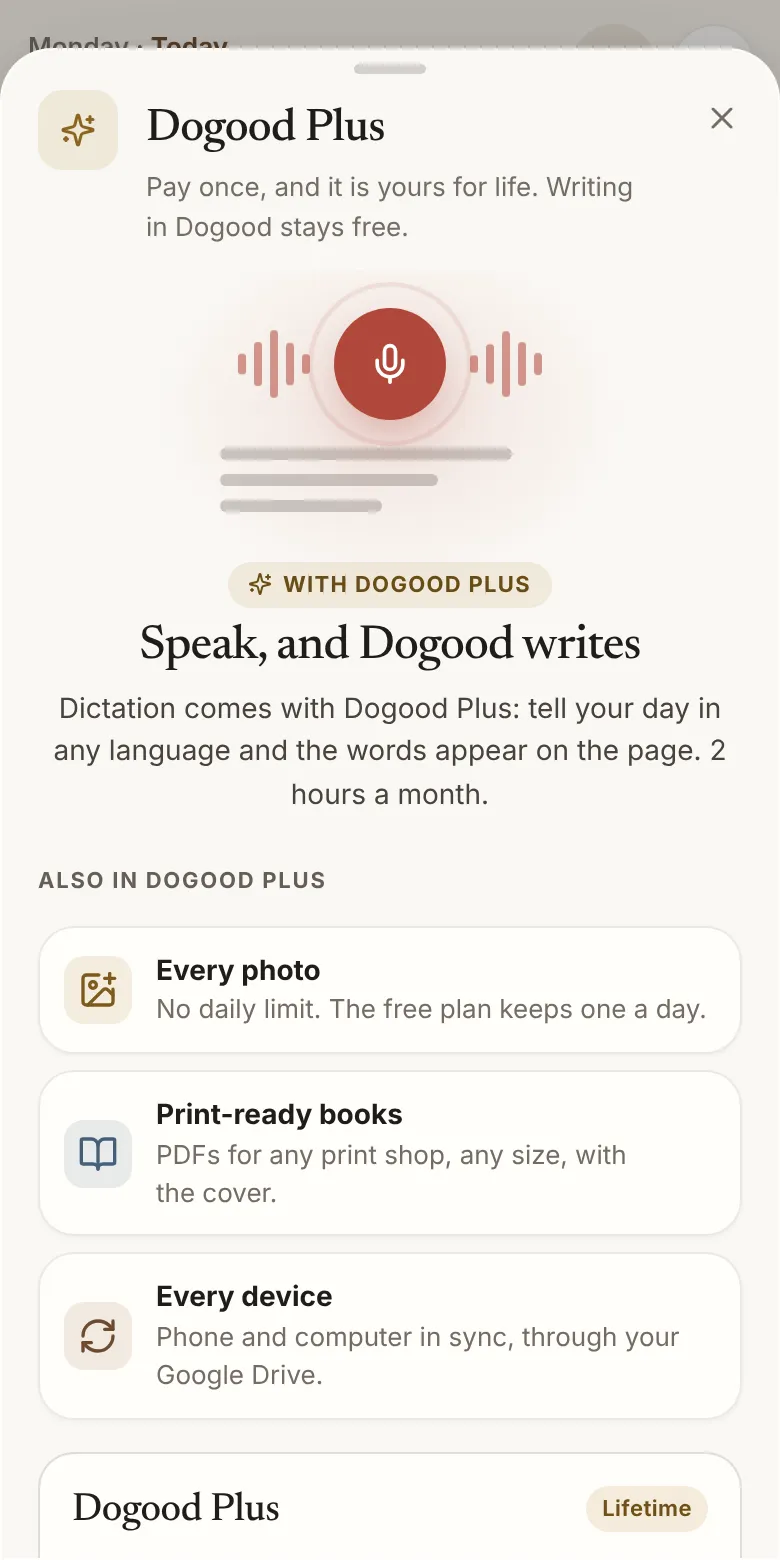
Writing, goals, habits, chapters and encryption are free. Dogood Plus adds every photo of the day, sync between devices, dictation and print-ready books, for a single payment.
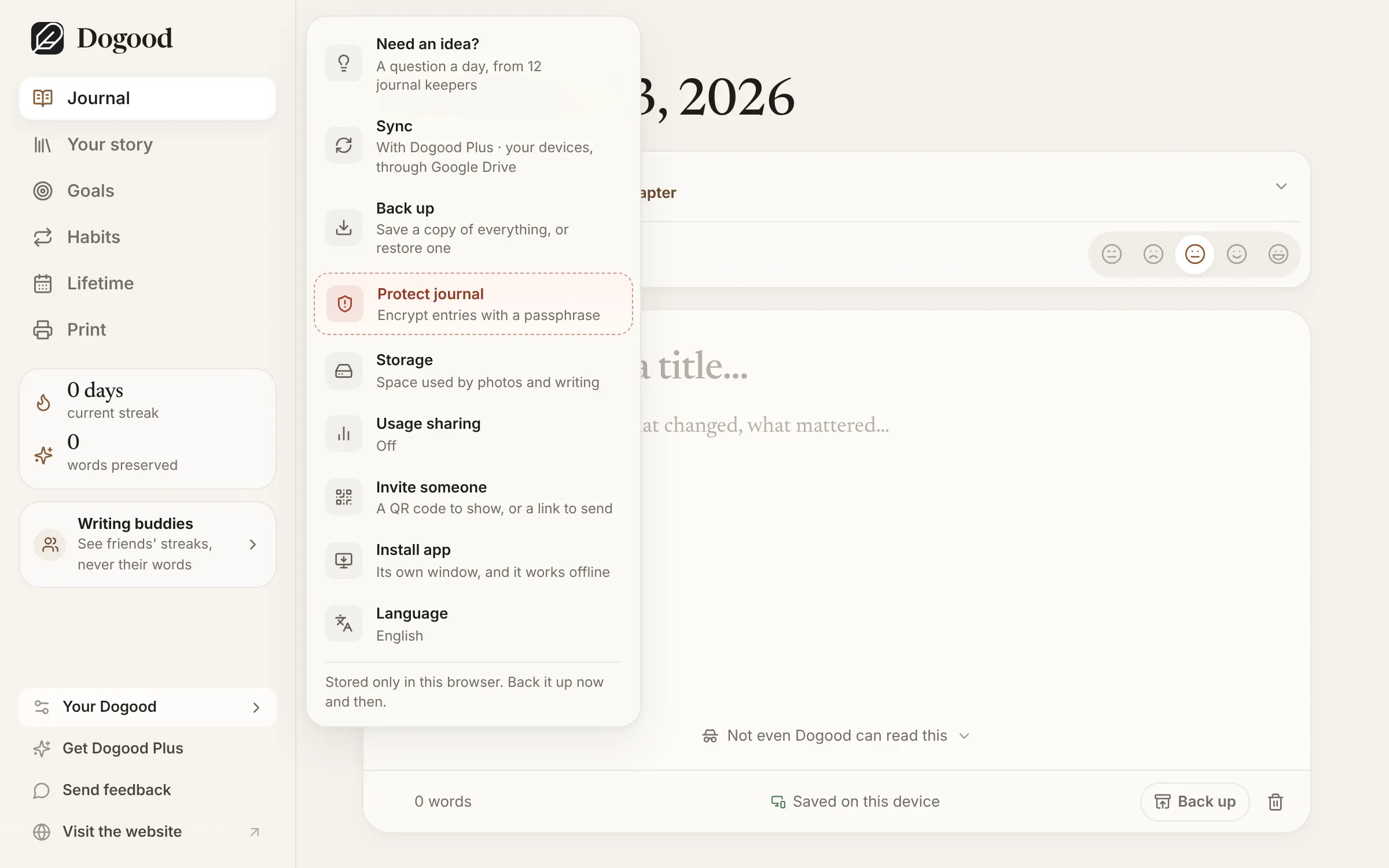
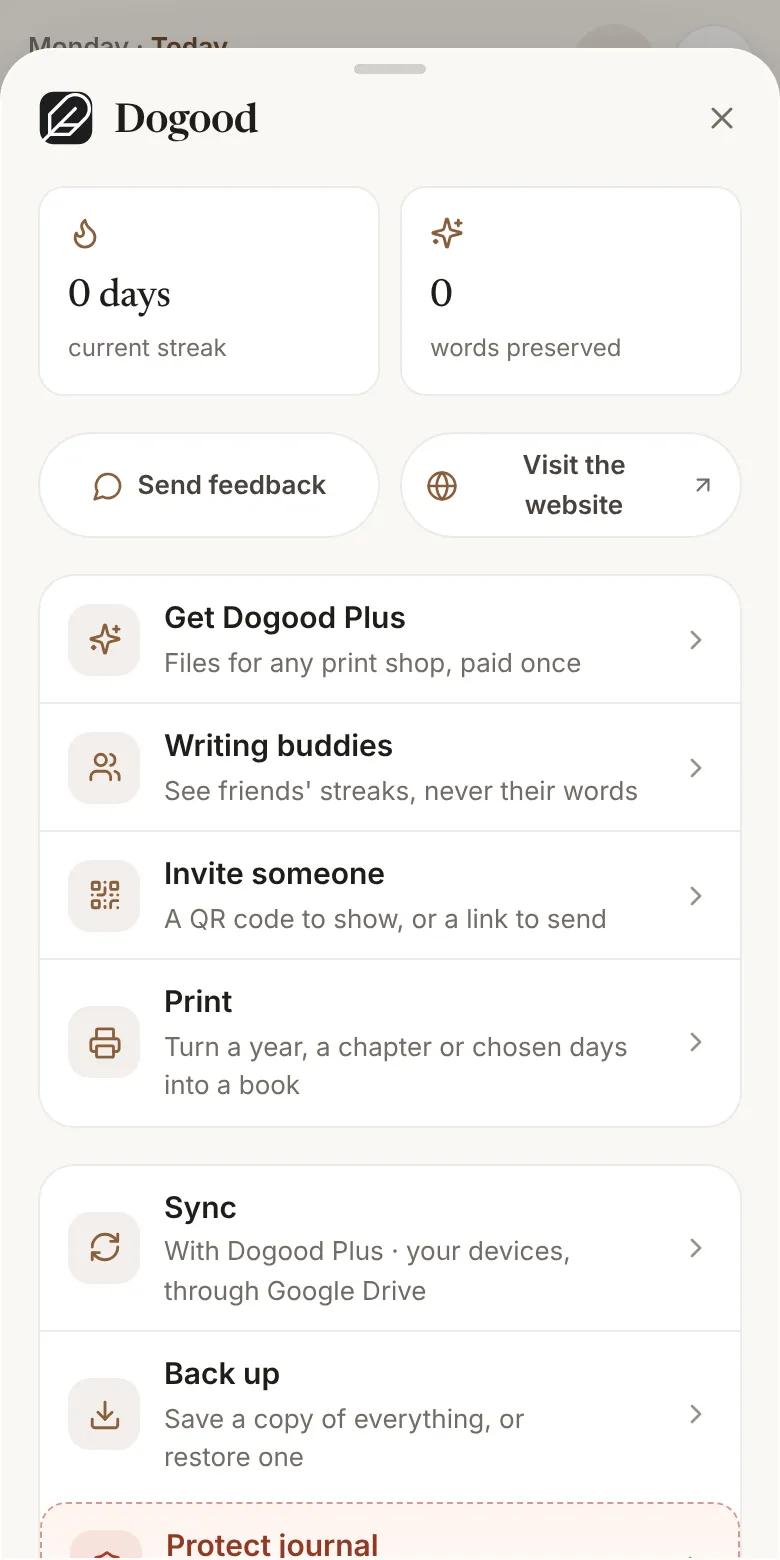
Get Dogood Plus
Open Get Dogood Plus in the menu to see what it adds and how to get it.
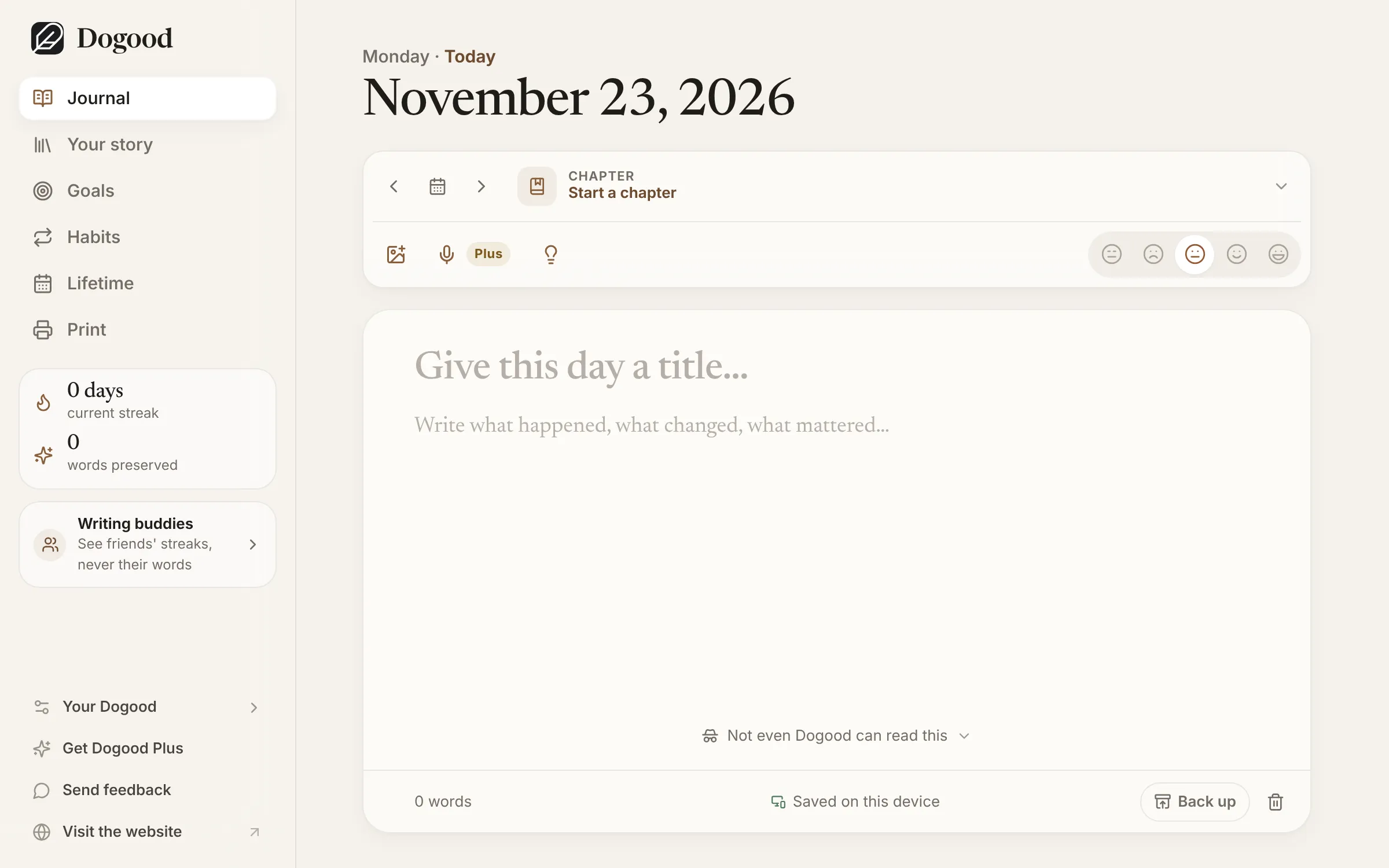
On a computer · Open Get Dogood Plus at the bottom left, under Your Dogood.
One payment, every device
One payment covers this journal on every device you write in. Once paid, Plus switches on by itself.
Dictate a page
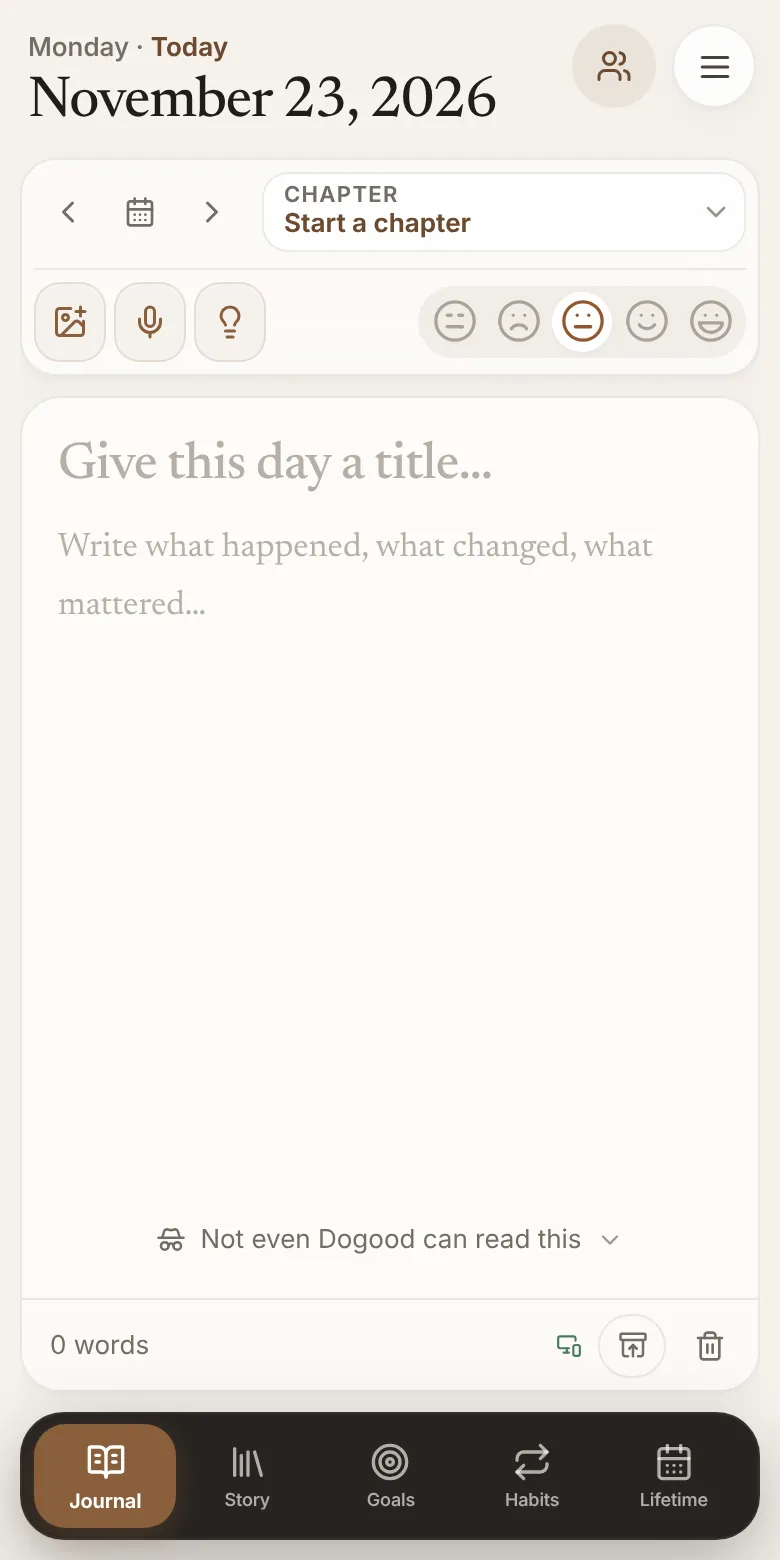
To dictate, tap the microphone on the page and speak, in any language: your words appear on the page.
Two hours a month
Two hours of dictation are included each month, more than enough for a page a day.
Sync
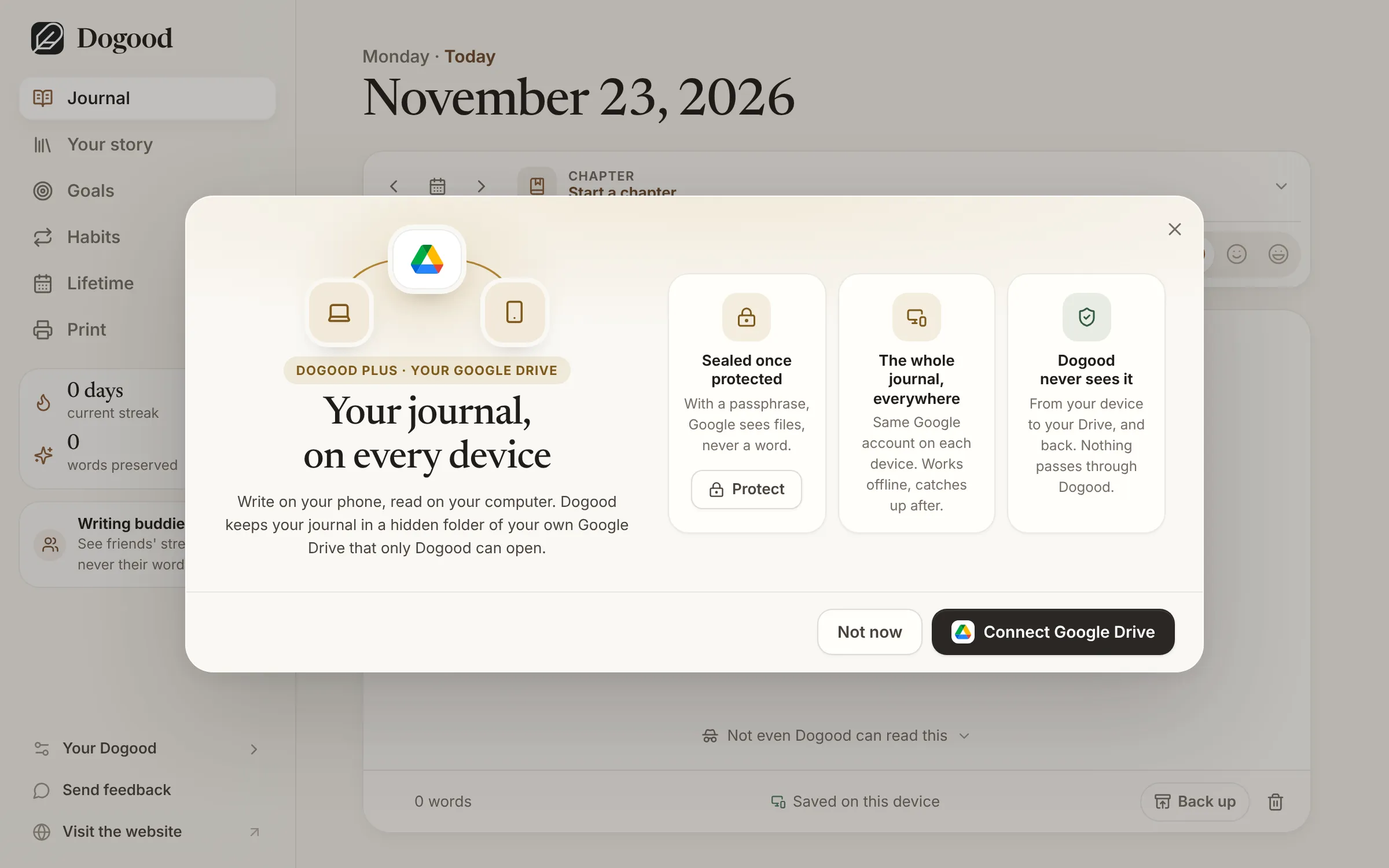
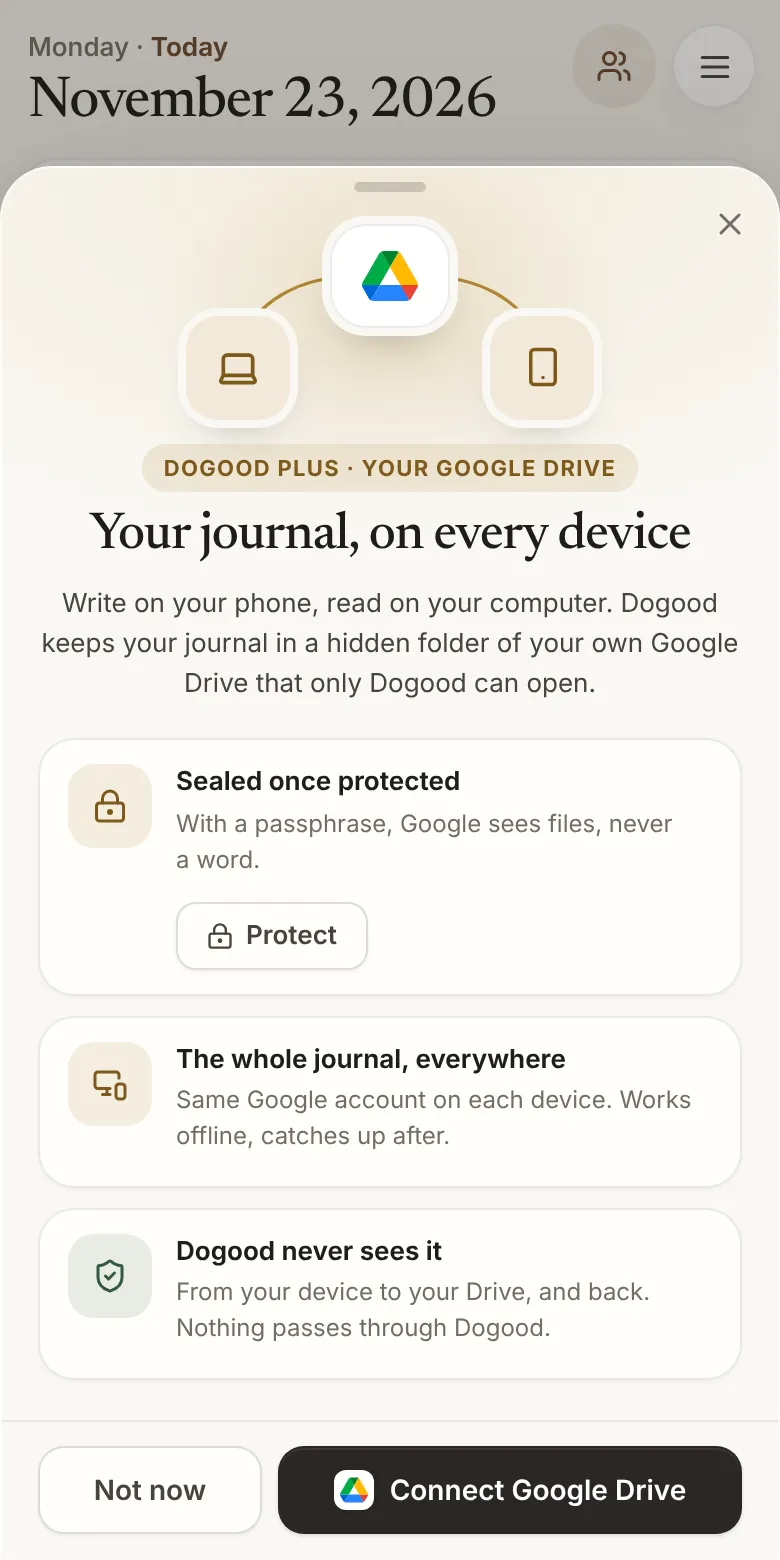
To have your journal on both your phone and your computer, open Sync in the same menu.
On a computer · To have your journal on both your phone and your computer, open Sync in Your Dogood.
Connect your cloud
Connect the same Google account on each device. The journal is kept in a hidden folder of your Drive that only Dogood can open, sealed once protected. Google signs Dogood in an hour at a time: sync runs by itself, then one tap.