Chapter 3
Find your way around
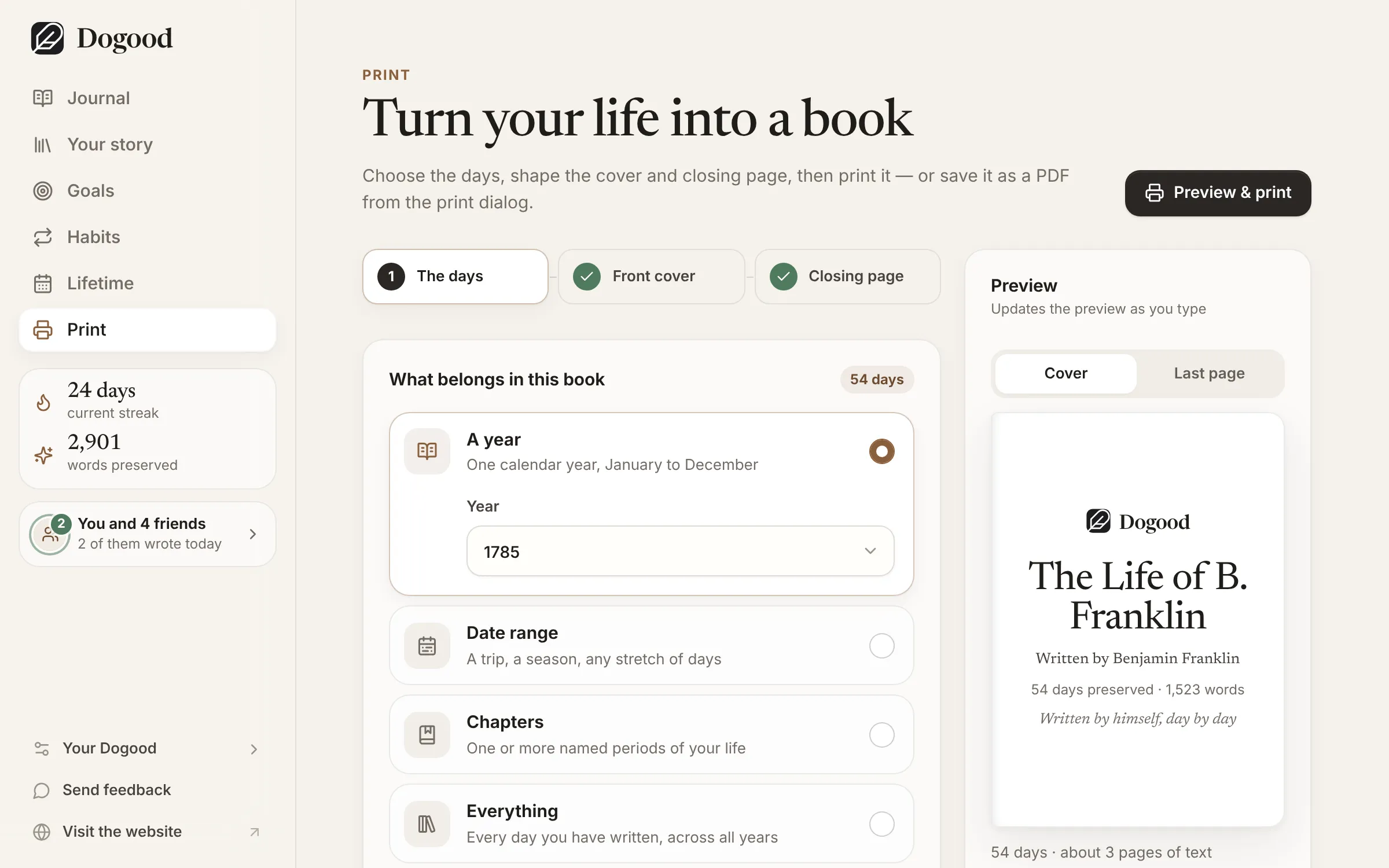
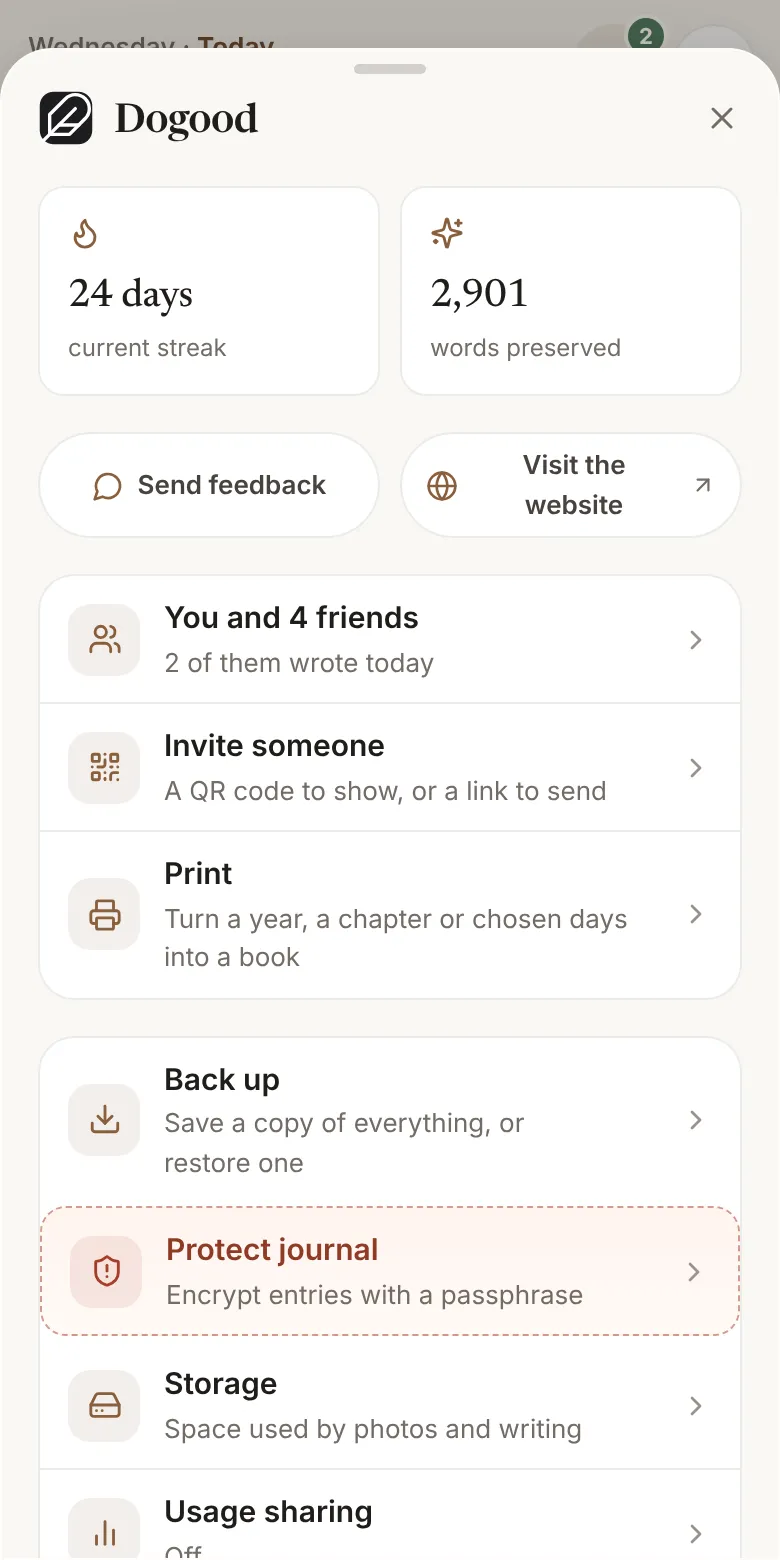
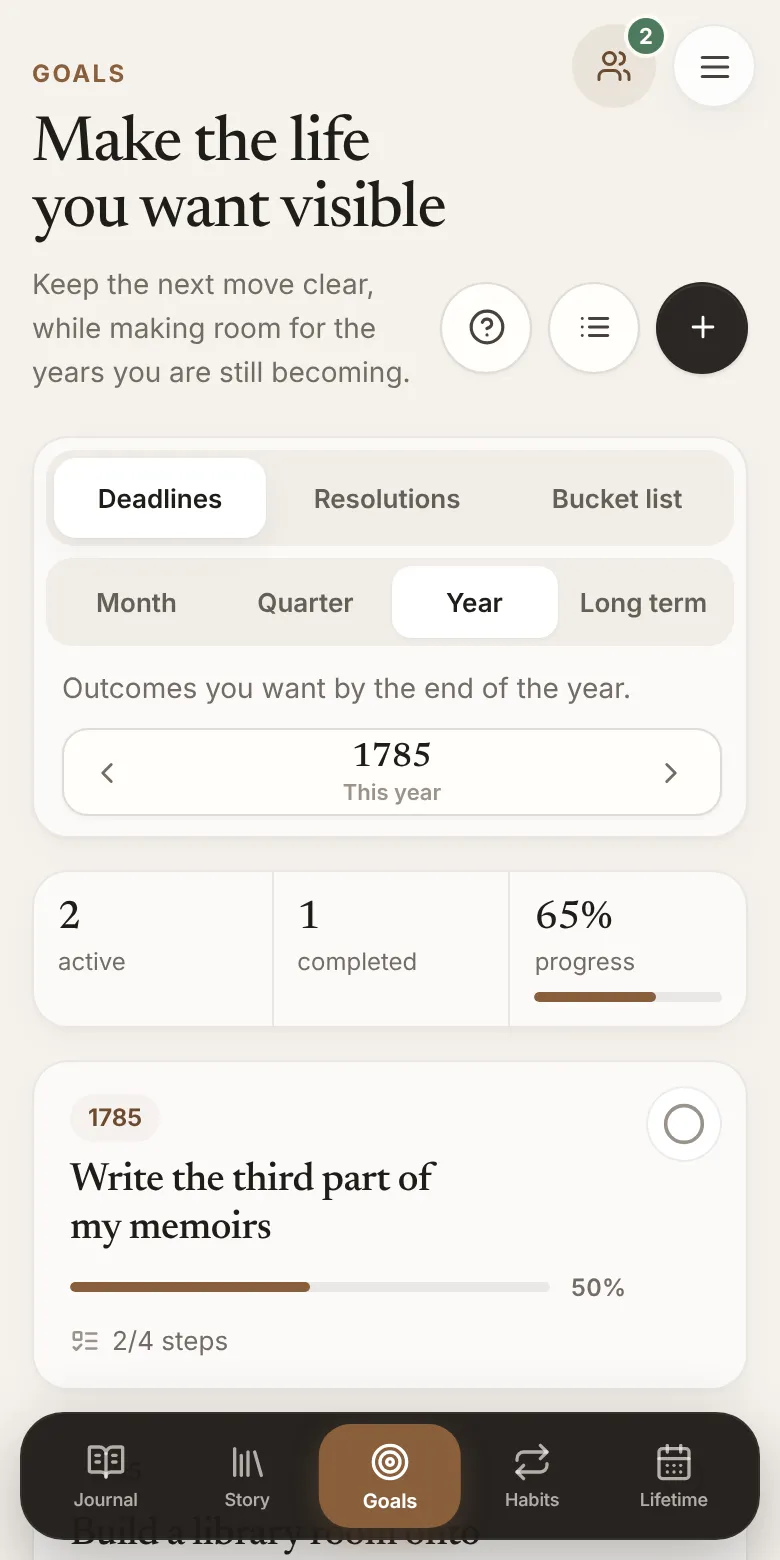
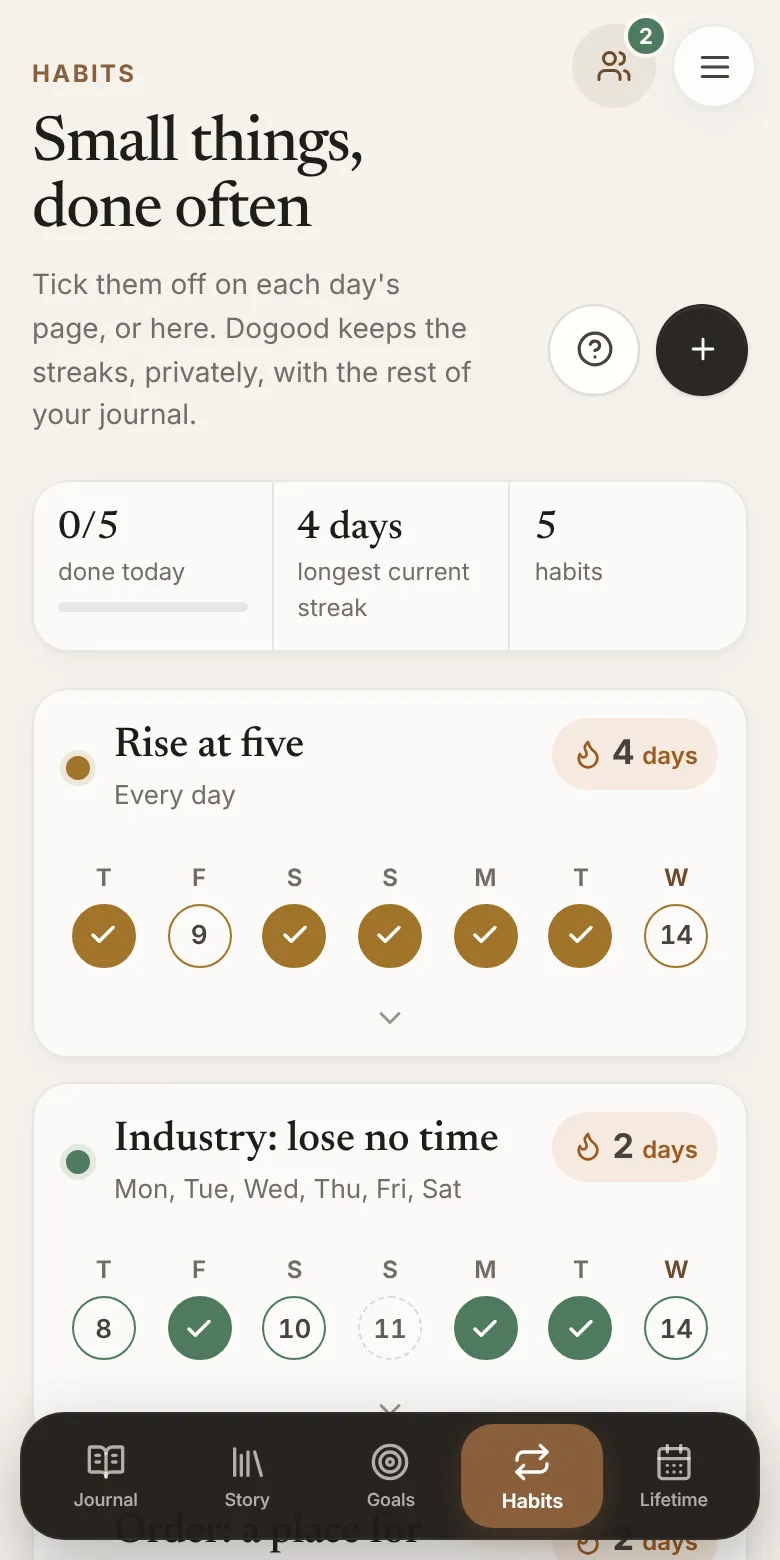
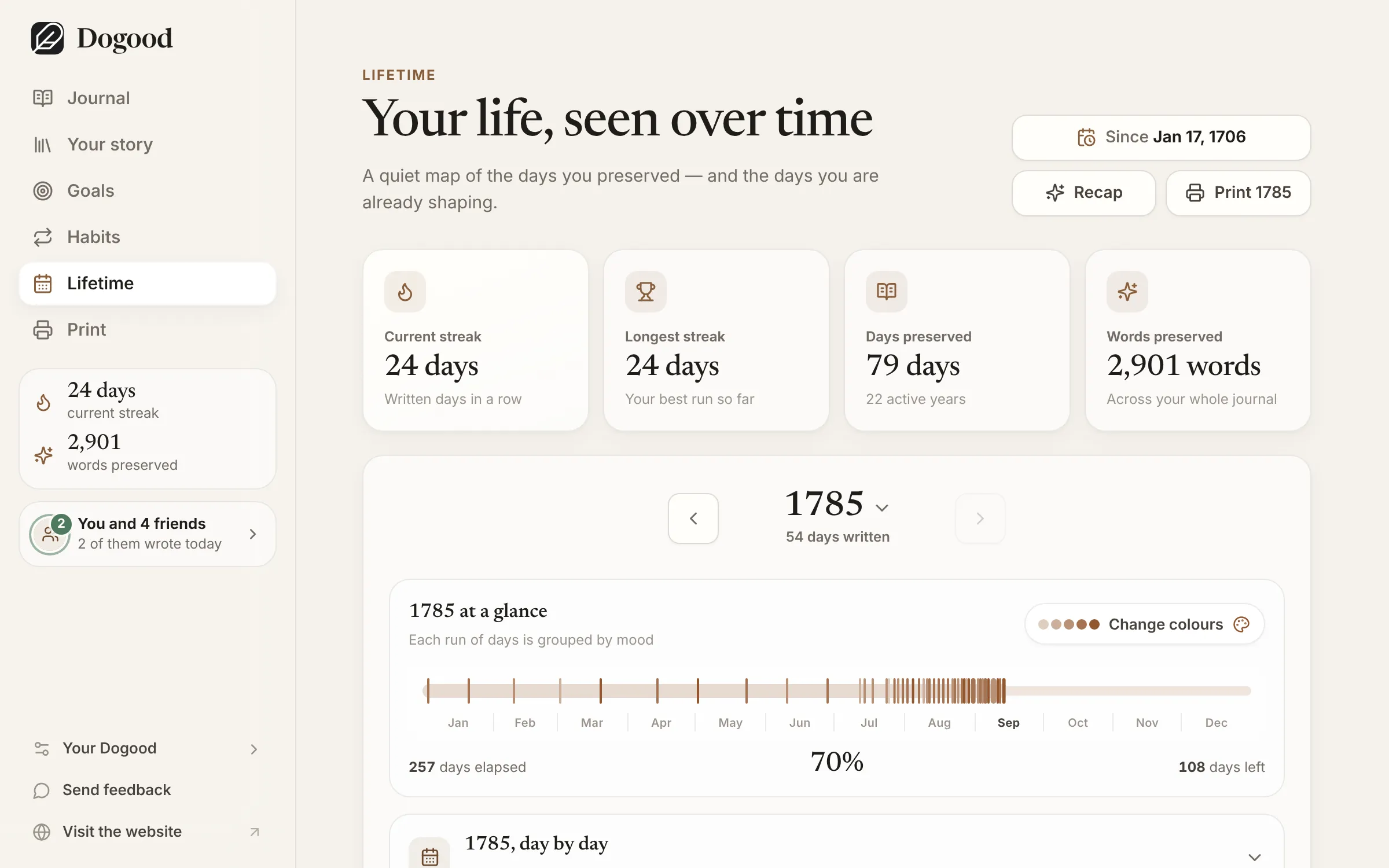
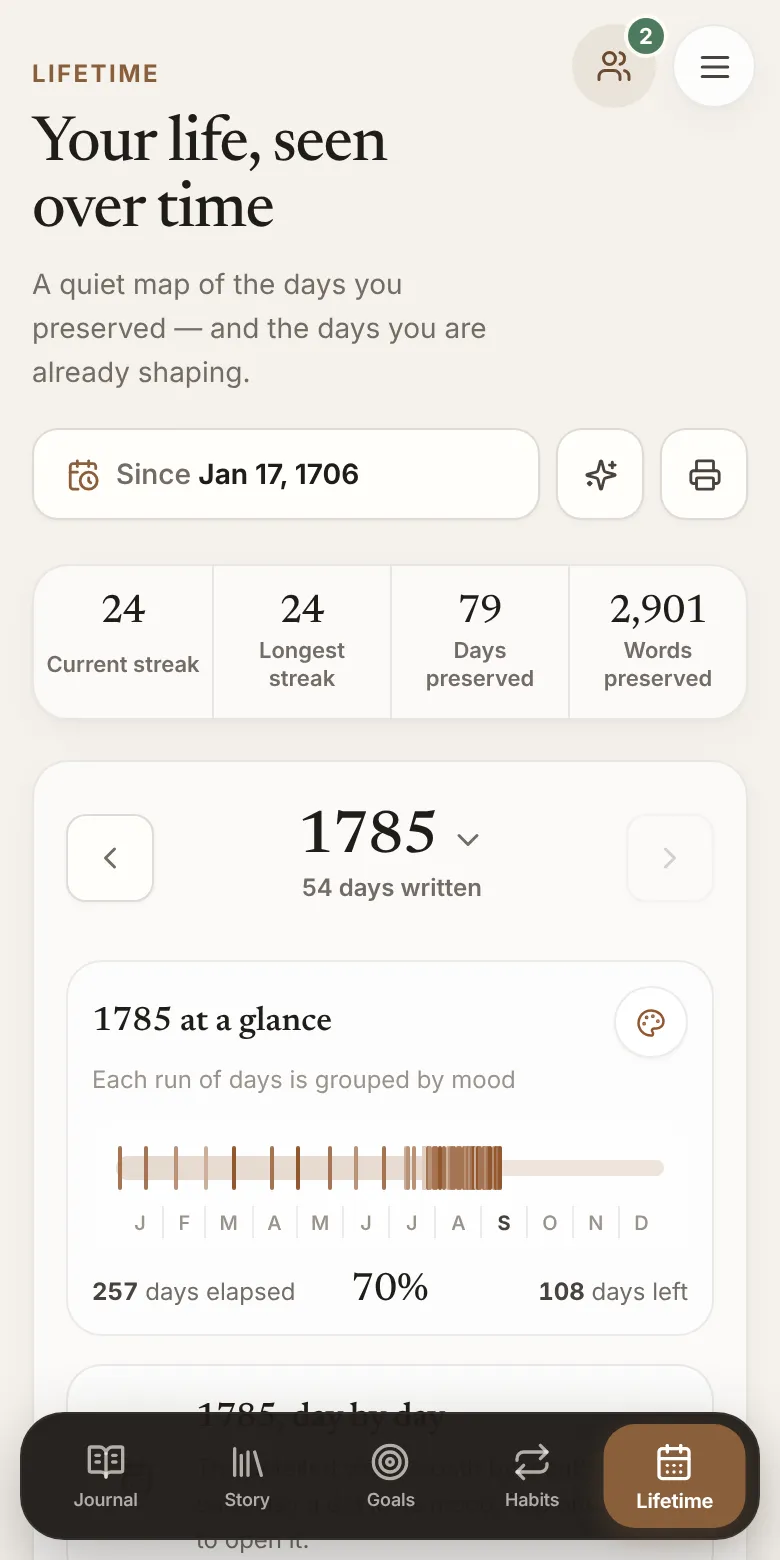
On a phone, the bar at the bottom of the screen leads everywhere, and Print is in the menu. On a computer, everything is in the list on the left.
Your story
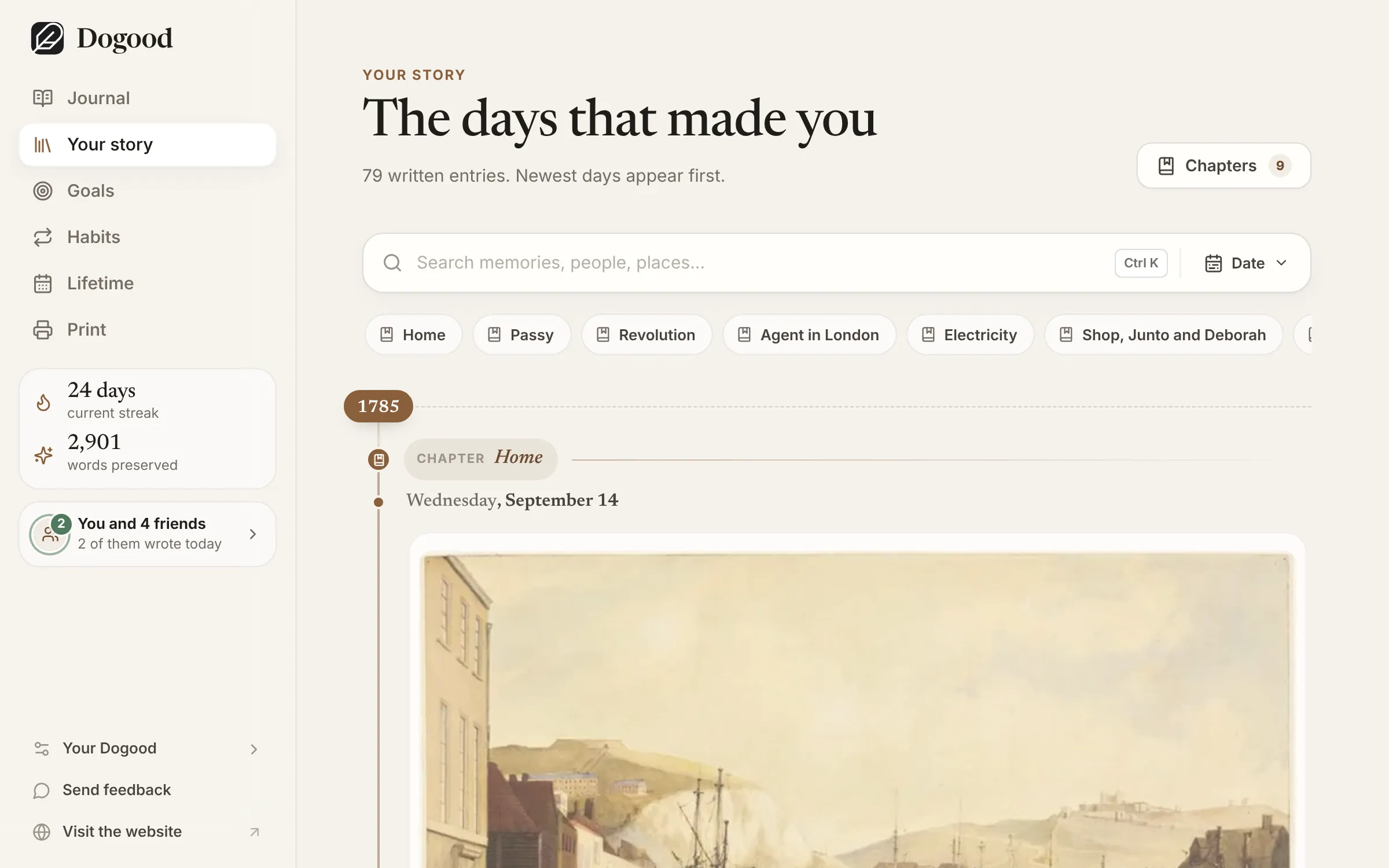
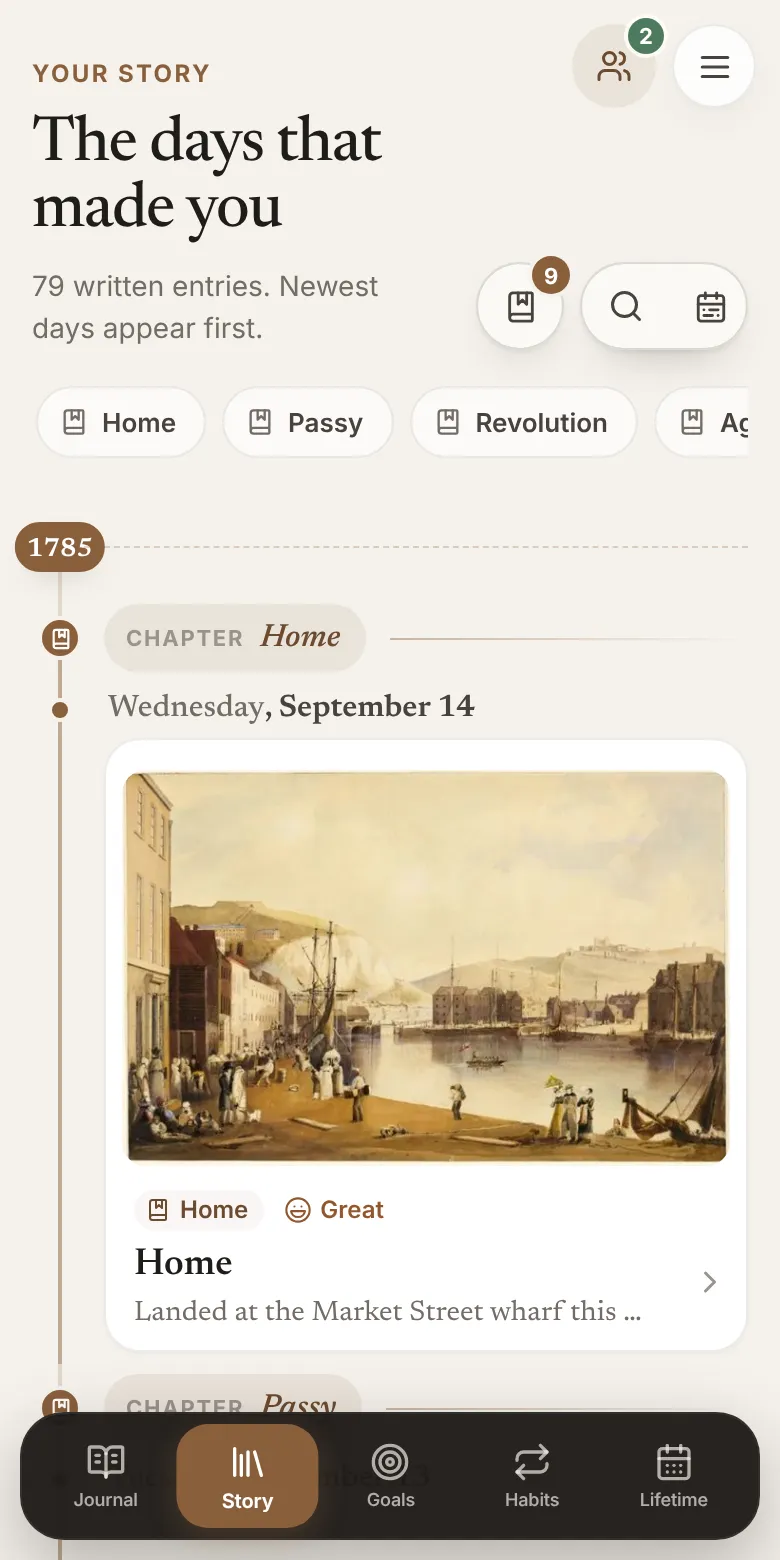
Your story gathers every page you have written, newest first: each day a card with its first photo, along a timeline of years and chapters, with a search.
Chapters
In Your story, Chapters give a name to the seasons of your life, and each day files itself in the right one. Tap one under the search to see its days alone.
Goals
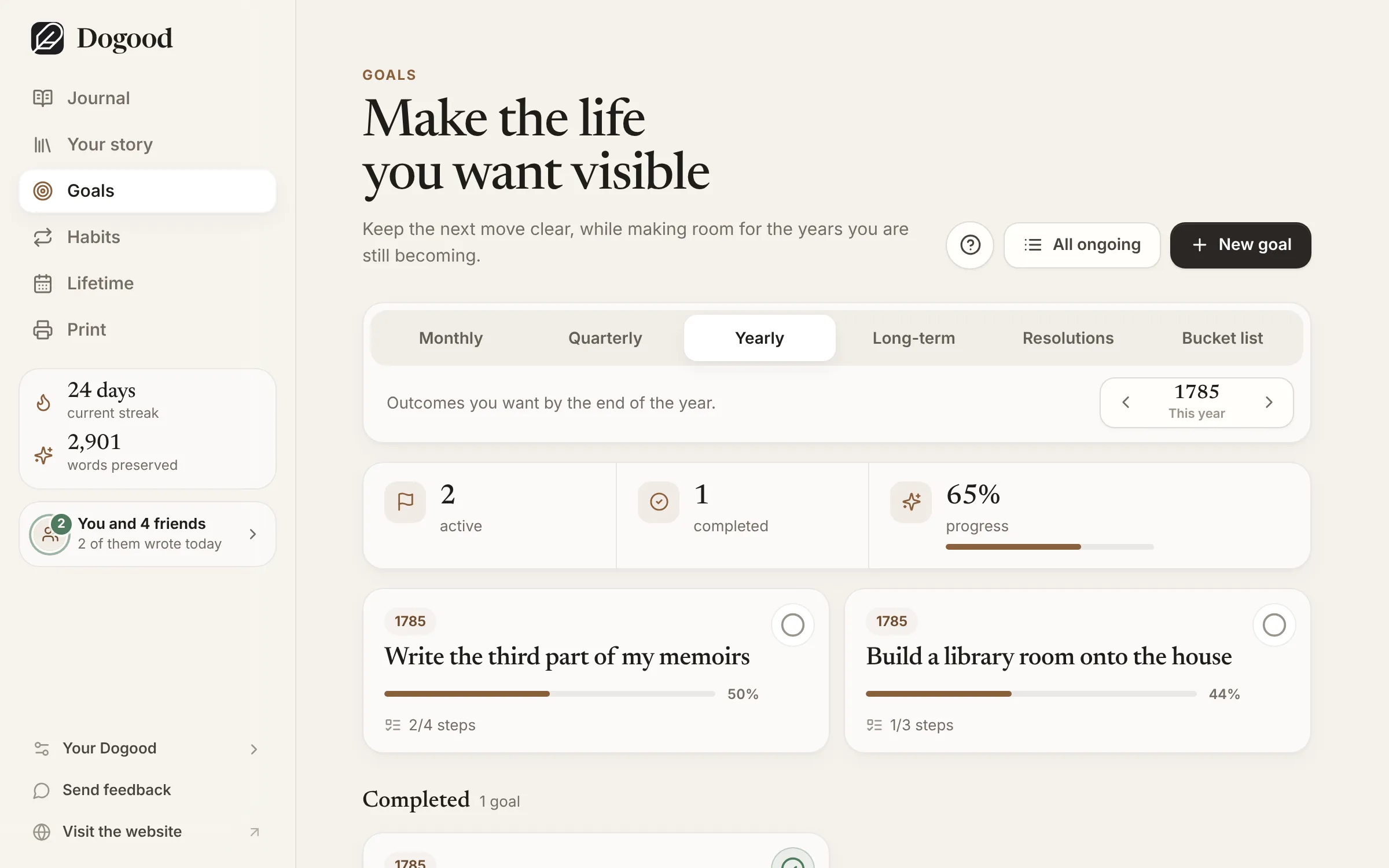
In Goals, note what you are working towards, from this week to the years ahead.
Habits
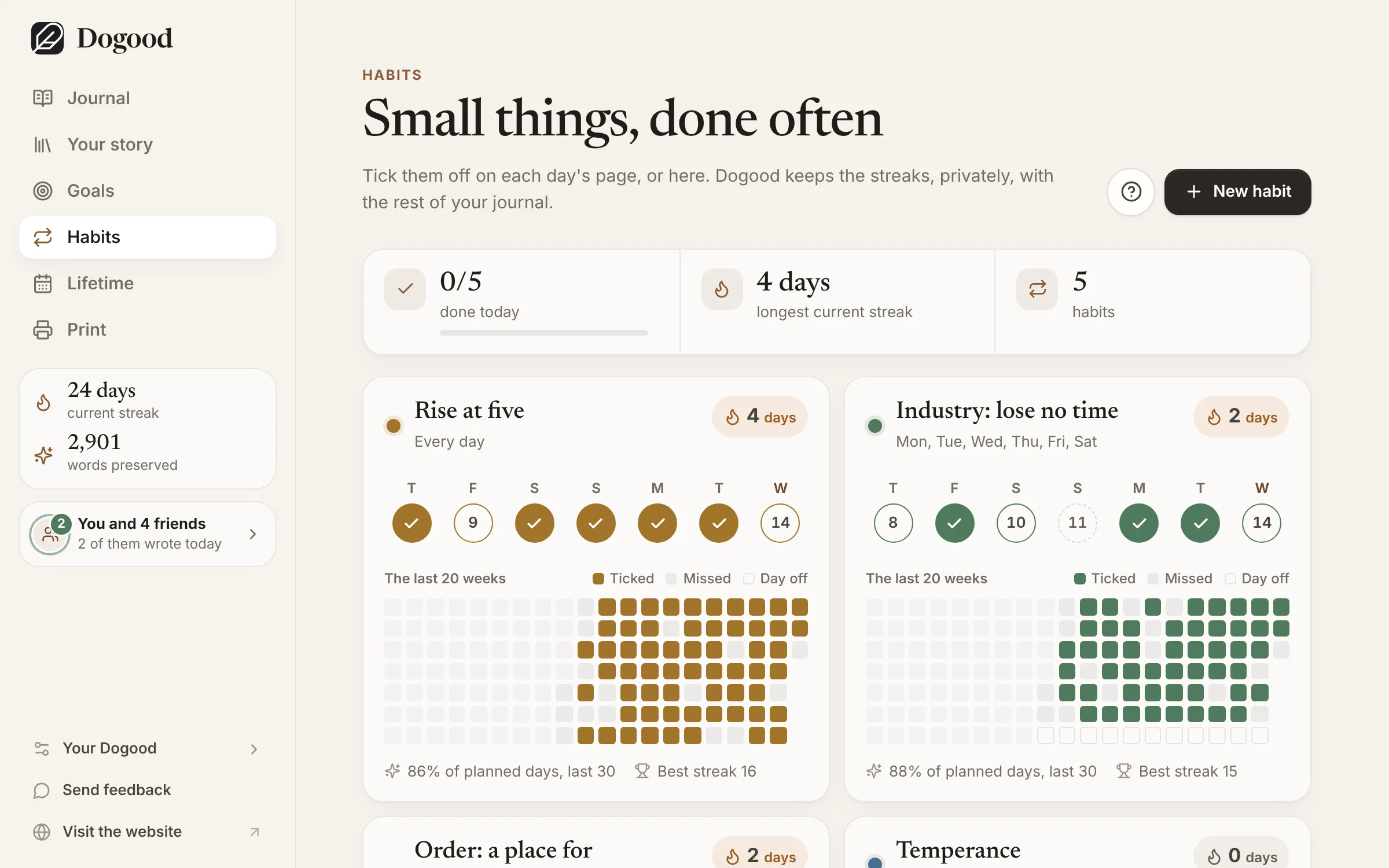
In Habits, choose a few things to do often, then tick them here or on the day’s page.
Lifetime
Lifetime shows all your days on one map, with a recap of each year.
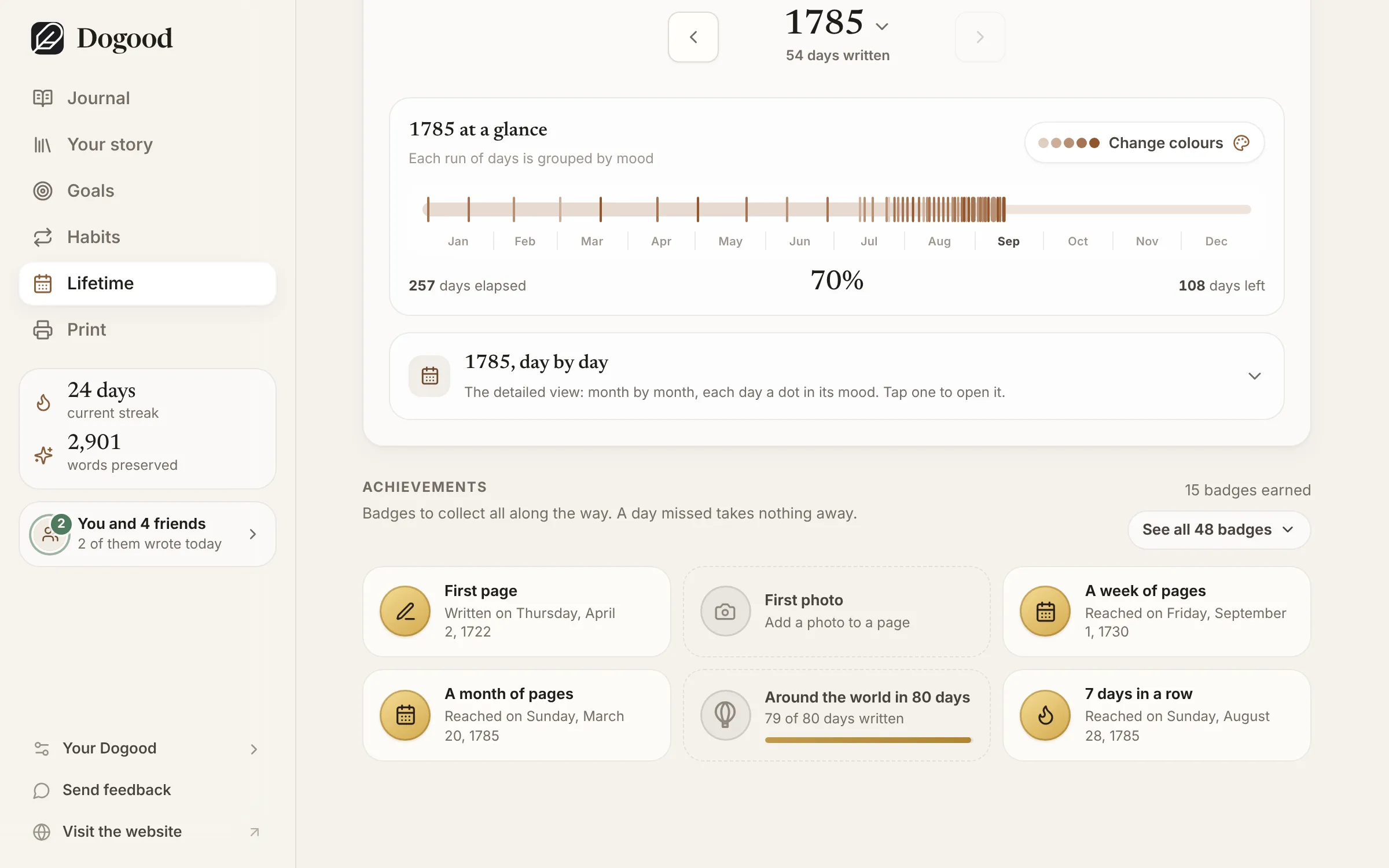
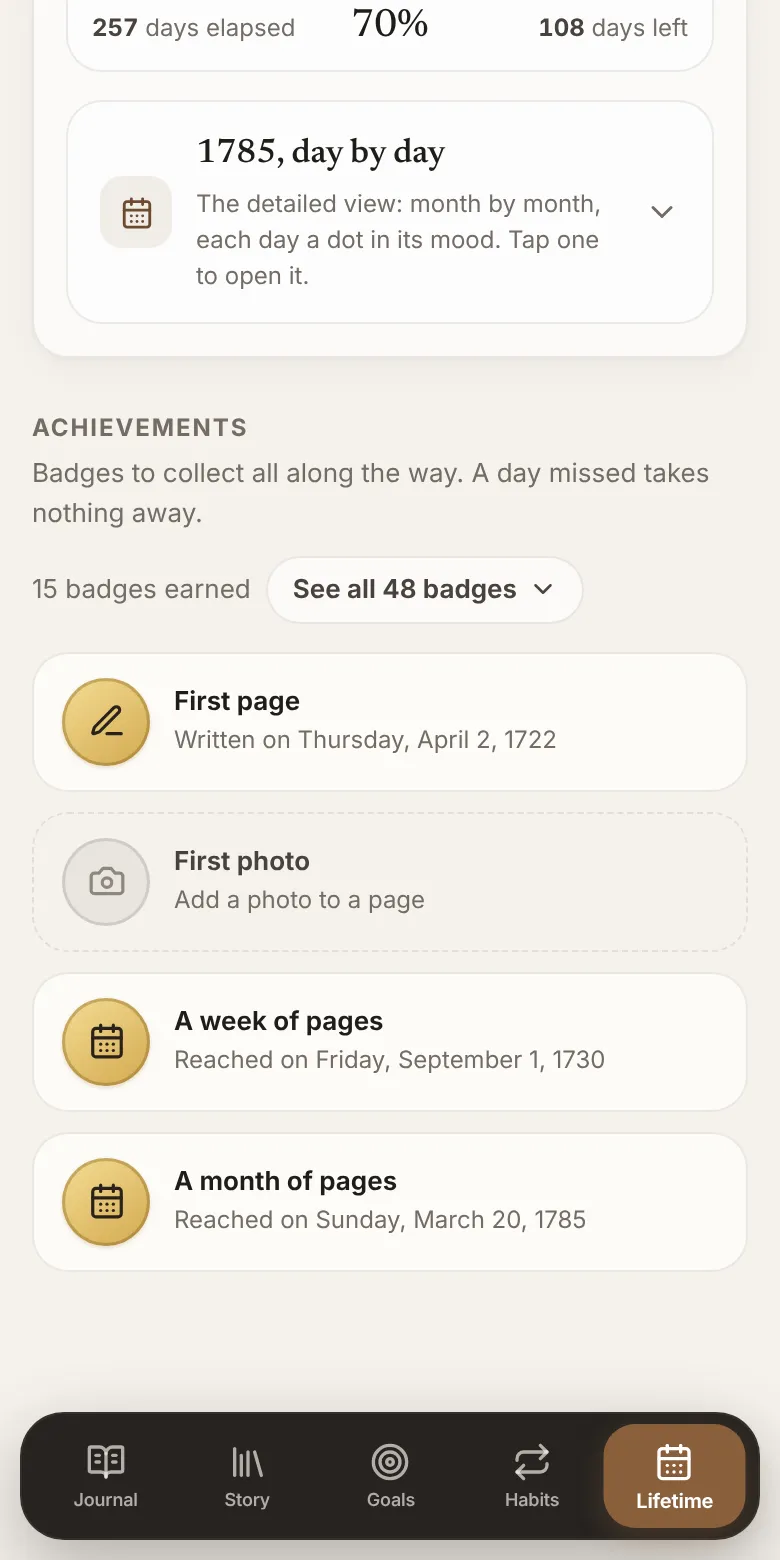
Achievements
Lower in Lifetime, Achievements: badges to collect, from the first page and the first photo to streaks, a month or a year written in full, and special days.
Print turns a year, a chapter or chosen days into a book.