Chapter 4
Keep it safe
Your journal lives on this device, not on a server. Two habits keep it safe for years: a backup and a passphrase.
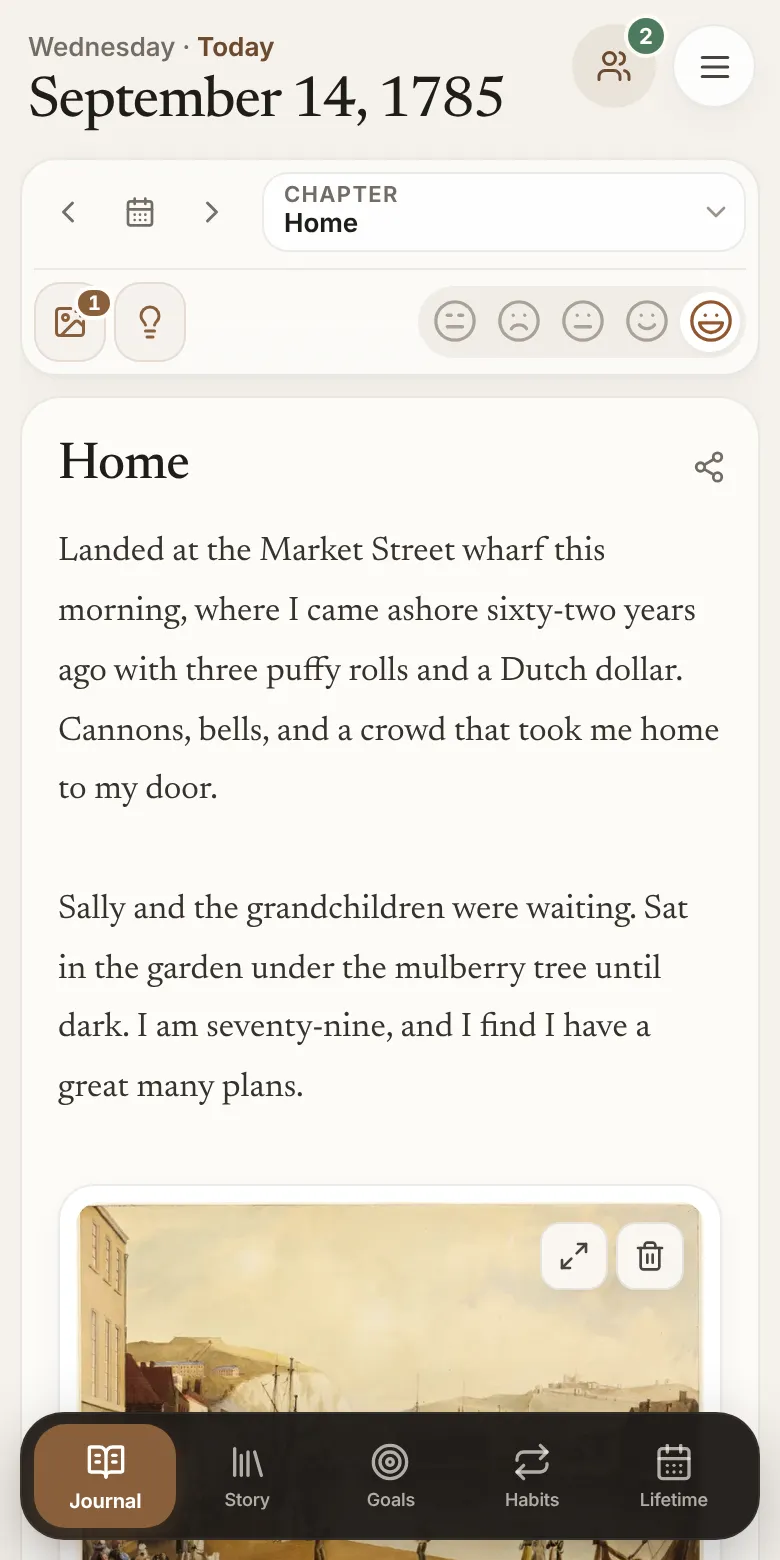
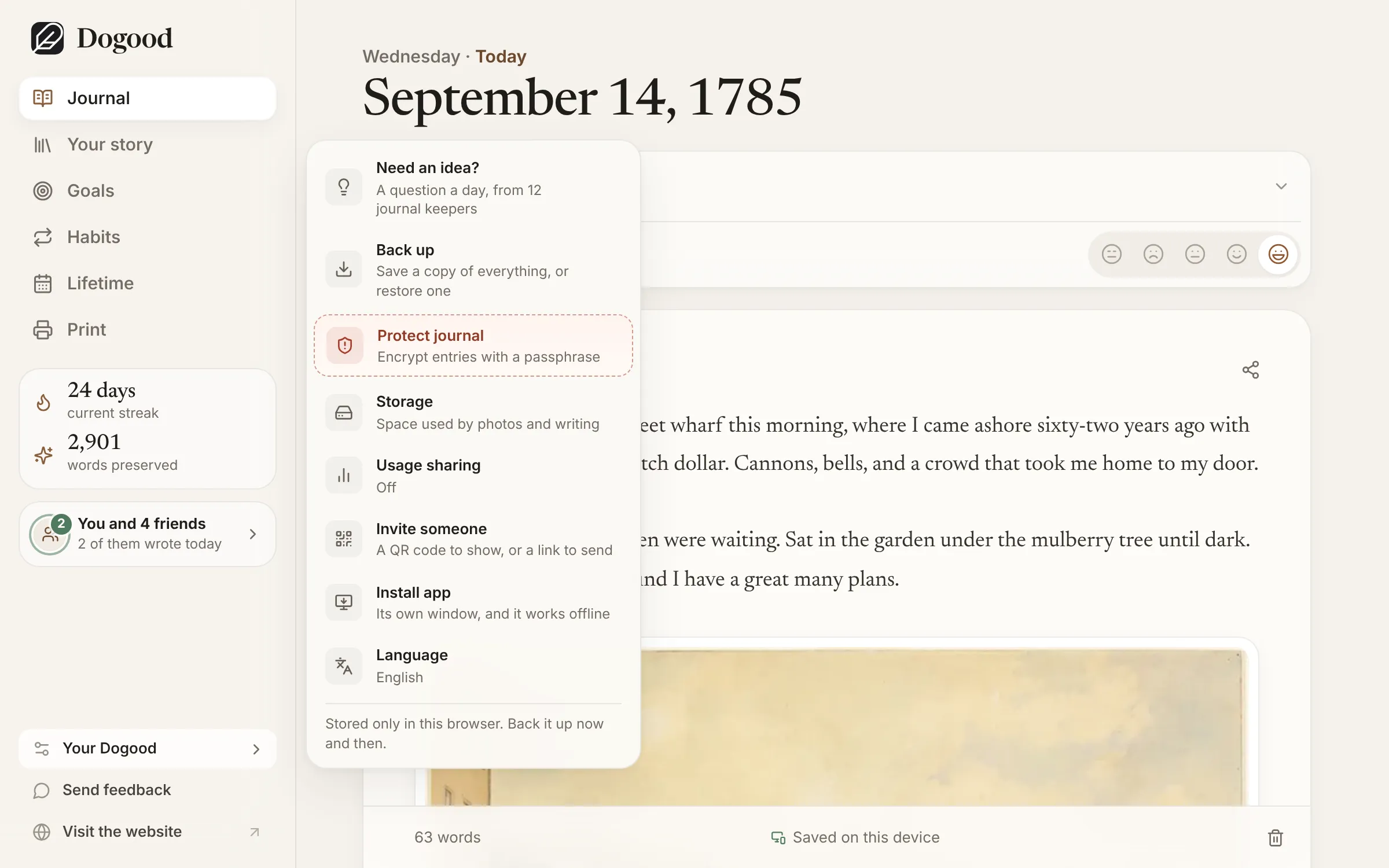
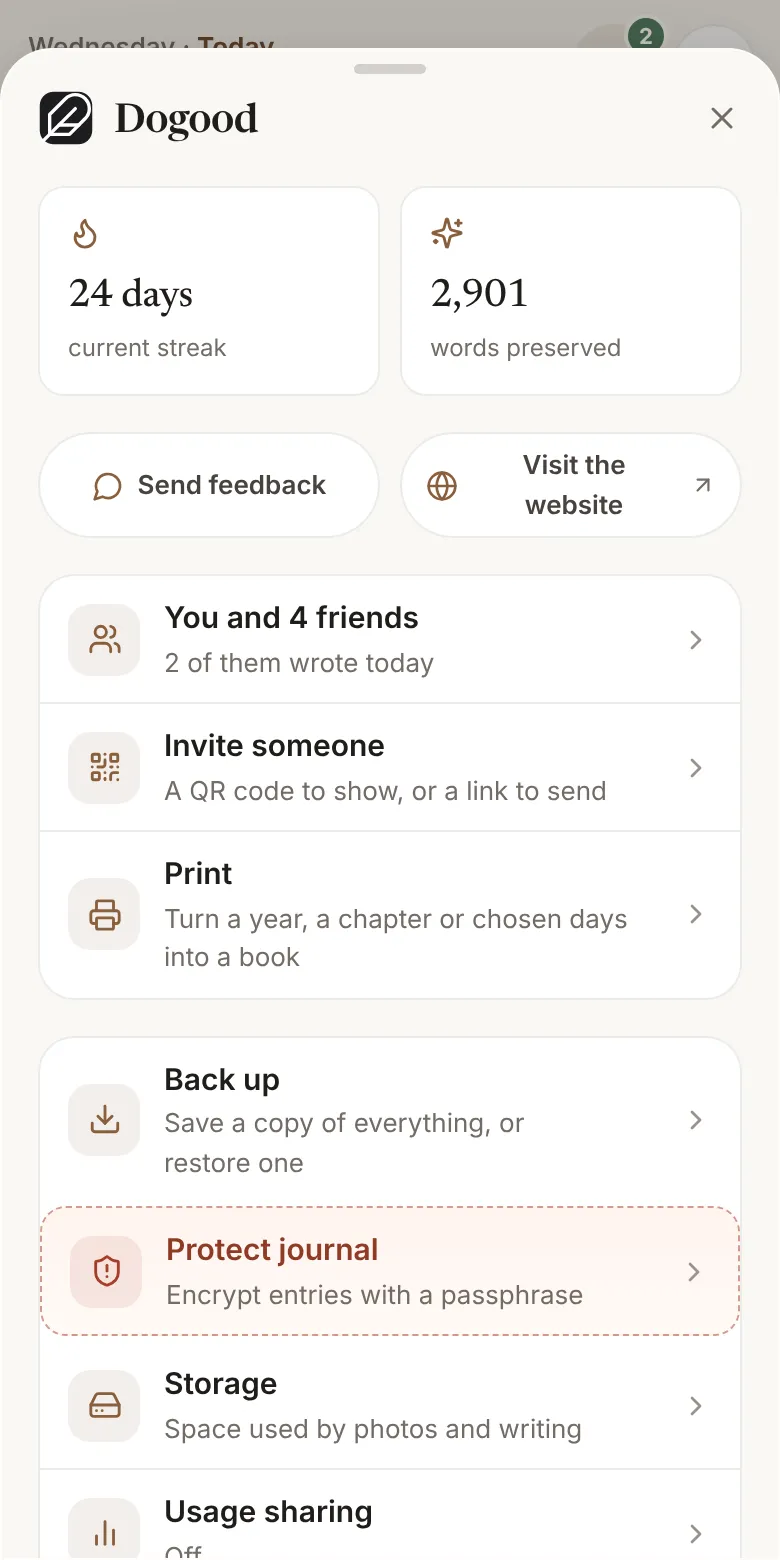
Open the menu
Open the menu.
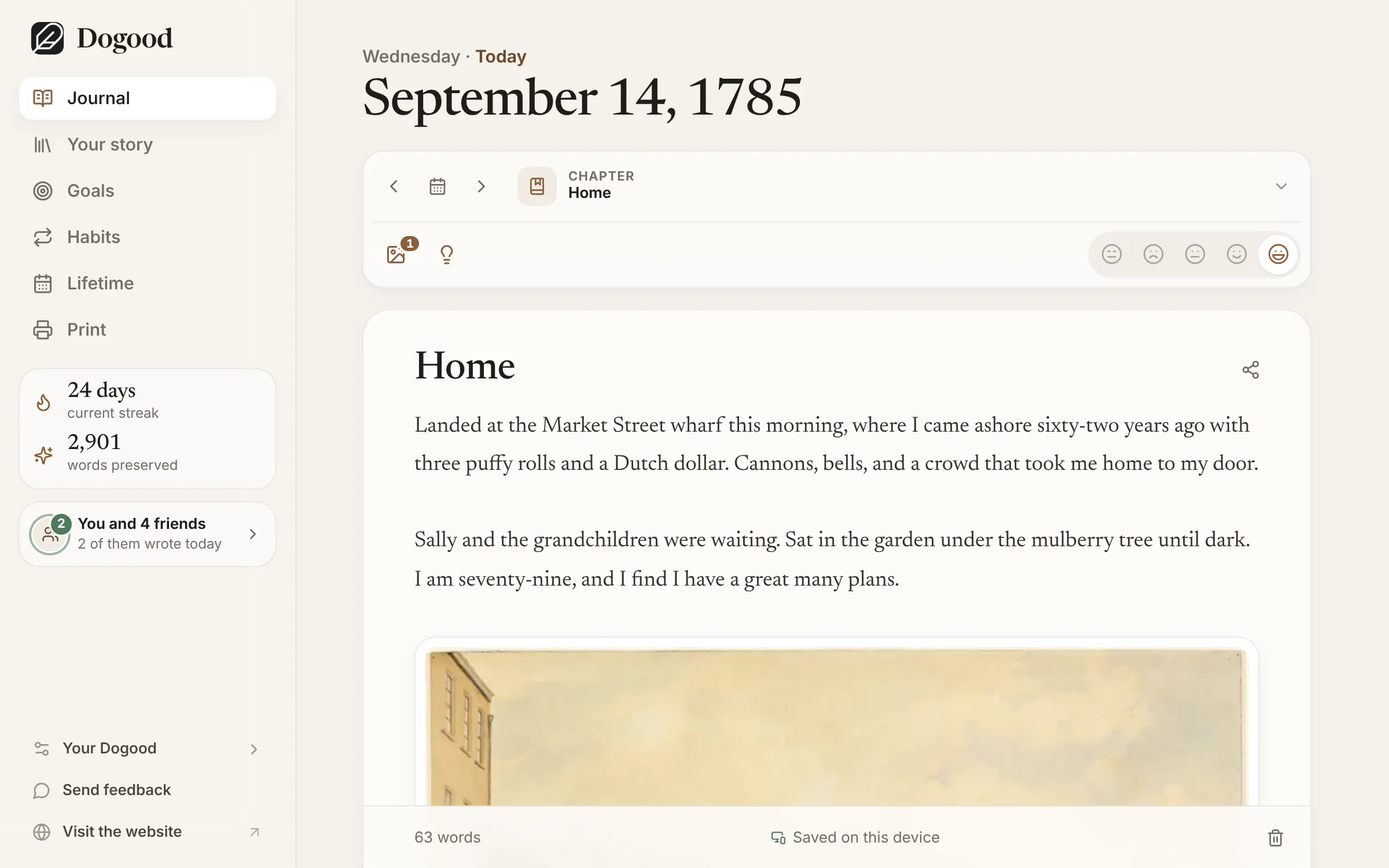
On a computer · Open Your Dogood, at the bottom left.
Back up
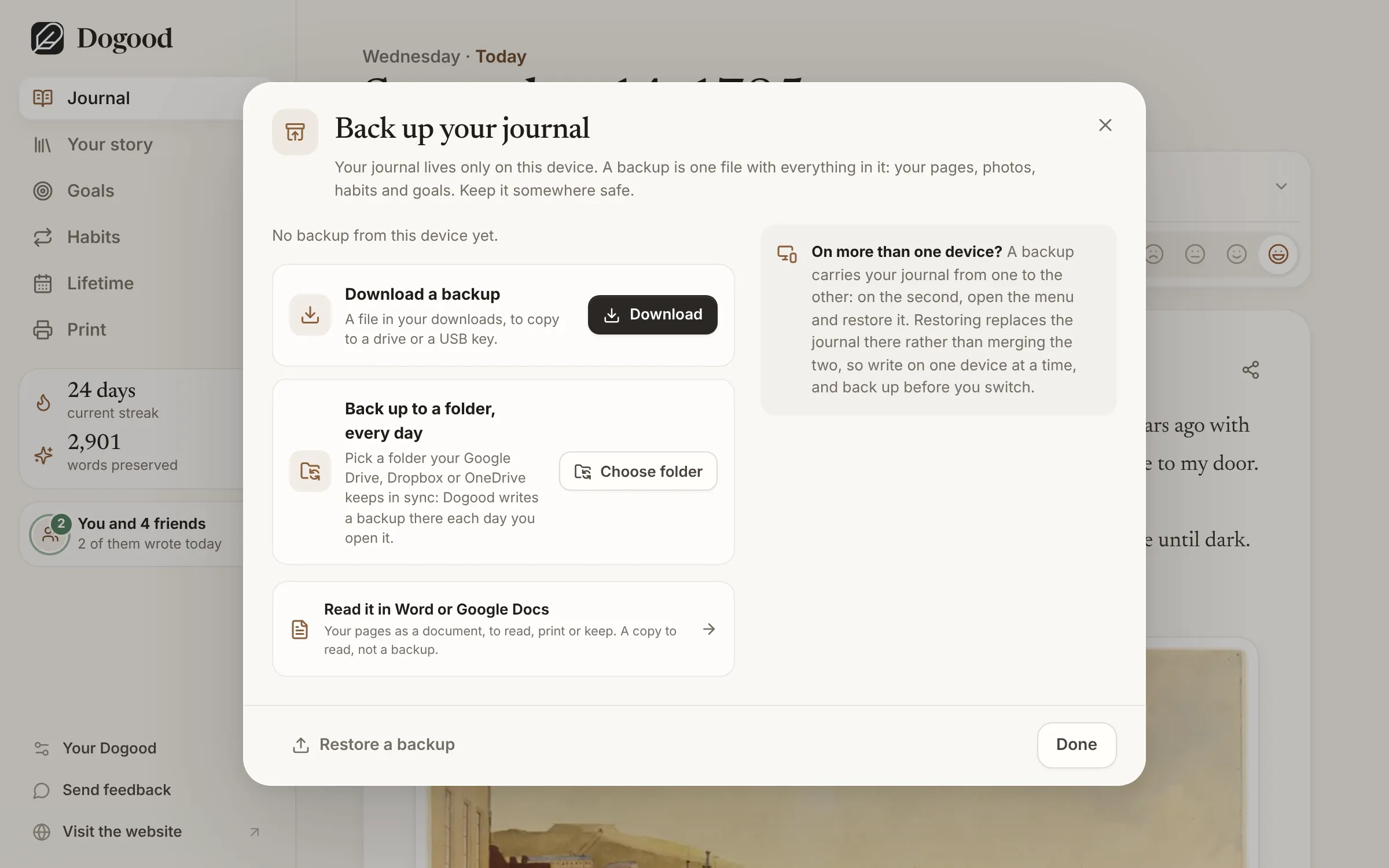
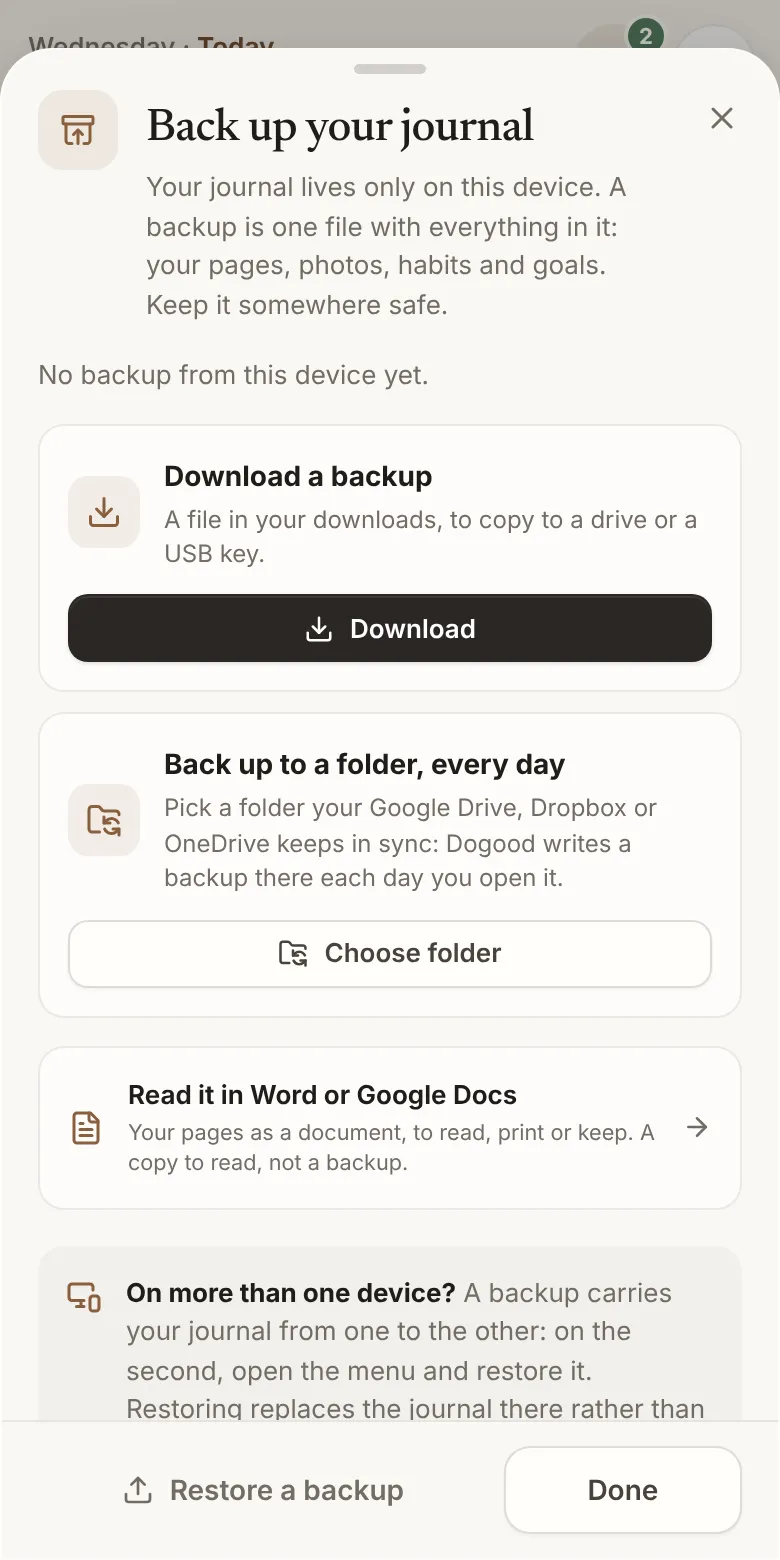
Back up saves everything in a single file, photos included.
Keep the file elsewhere
Download the file, share it, or on a computer let Dogood save it to a folder every day. Keep it somewhere other than this device.
Restore a backup
At the foot of the same window, Restore a backup brings a journal back from its file, on this device or a new one.
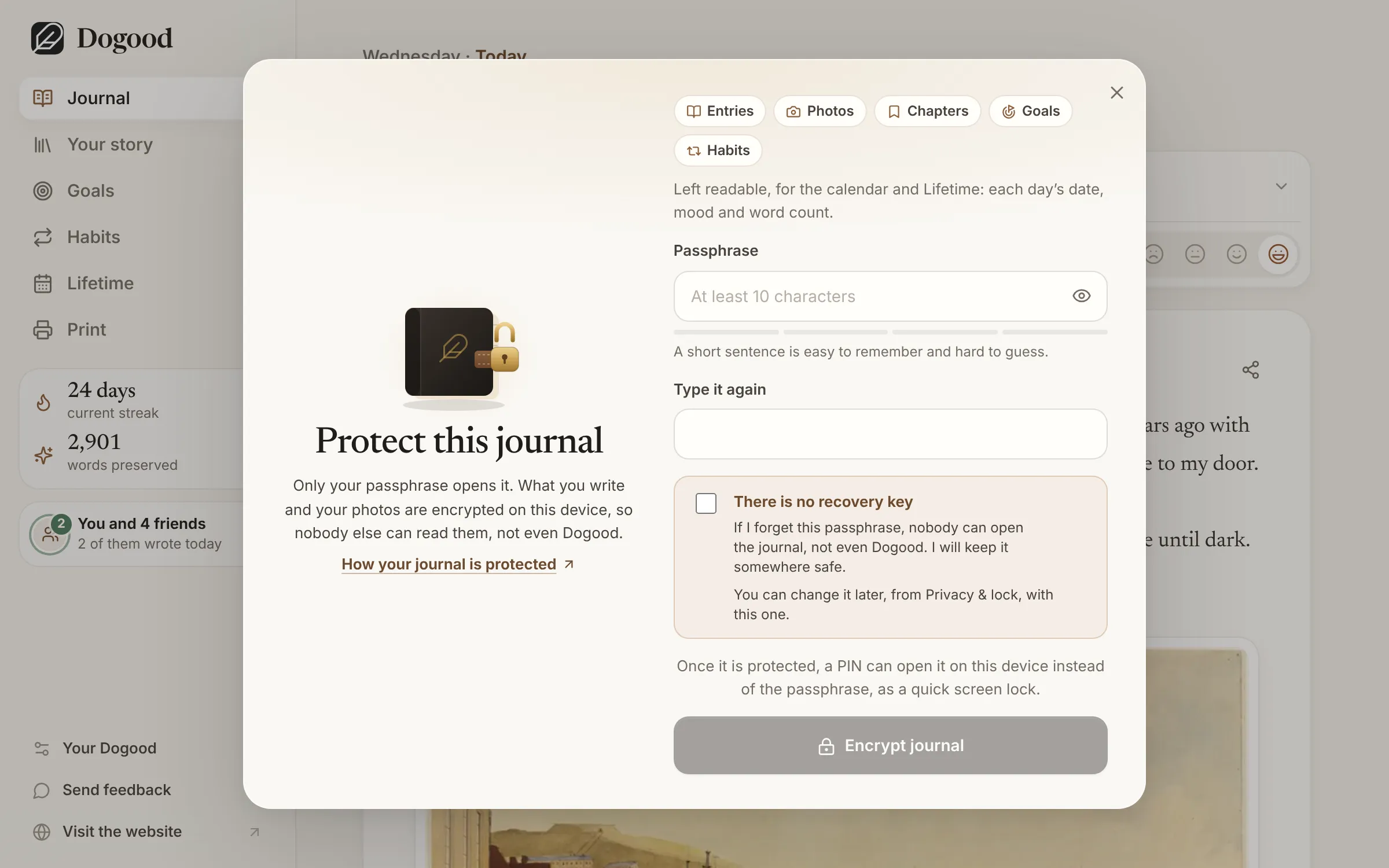
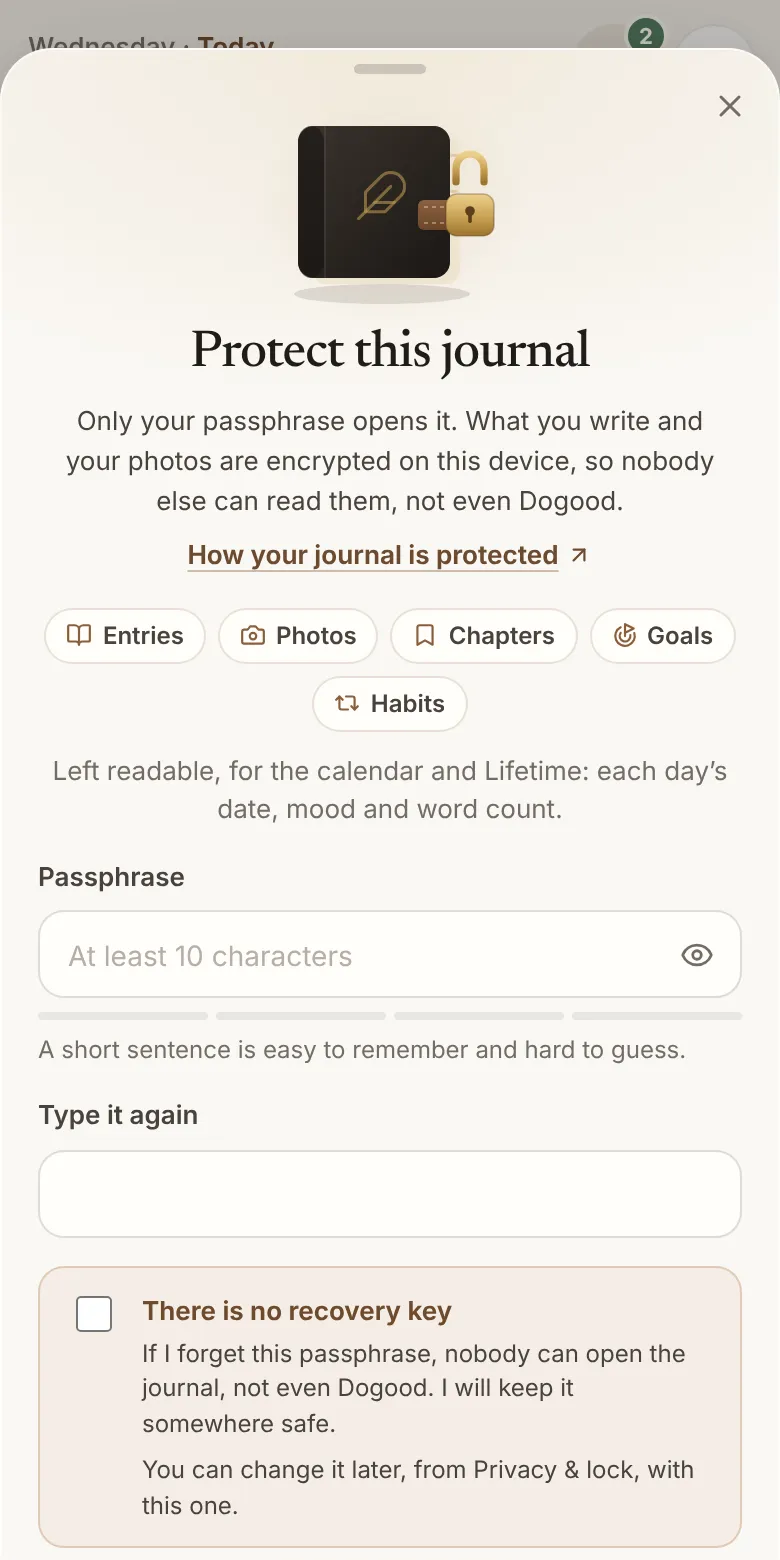
Protect journal
Protect journal encrypts every word and every photo on this device with a passphrase.
Choose a passphrase
Choose a passphrase you will remember: without it, nobody can open the journal, not even Dogood. You can change it later, with the current one. Face ID, a fingerprint or a PIN can then open it faster.