Chapter 2
Move between days
Every day has its own page, past days included, so a missed day can always be written later.
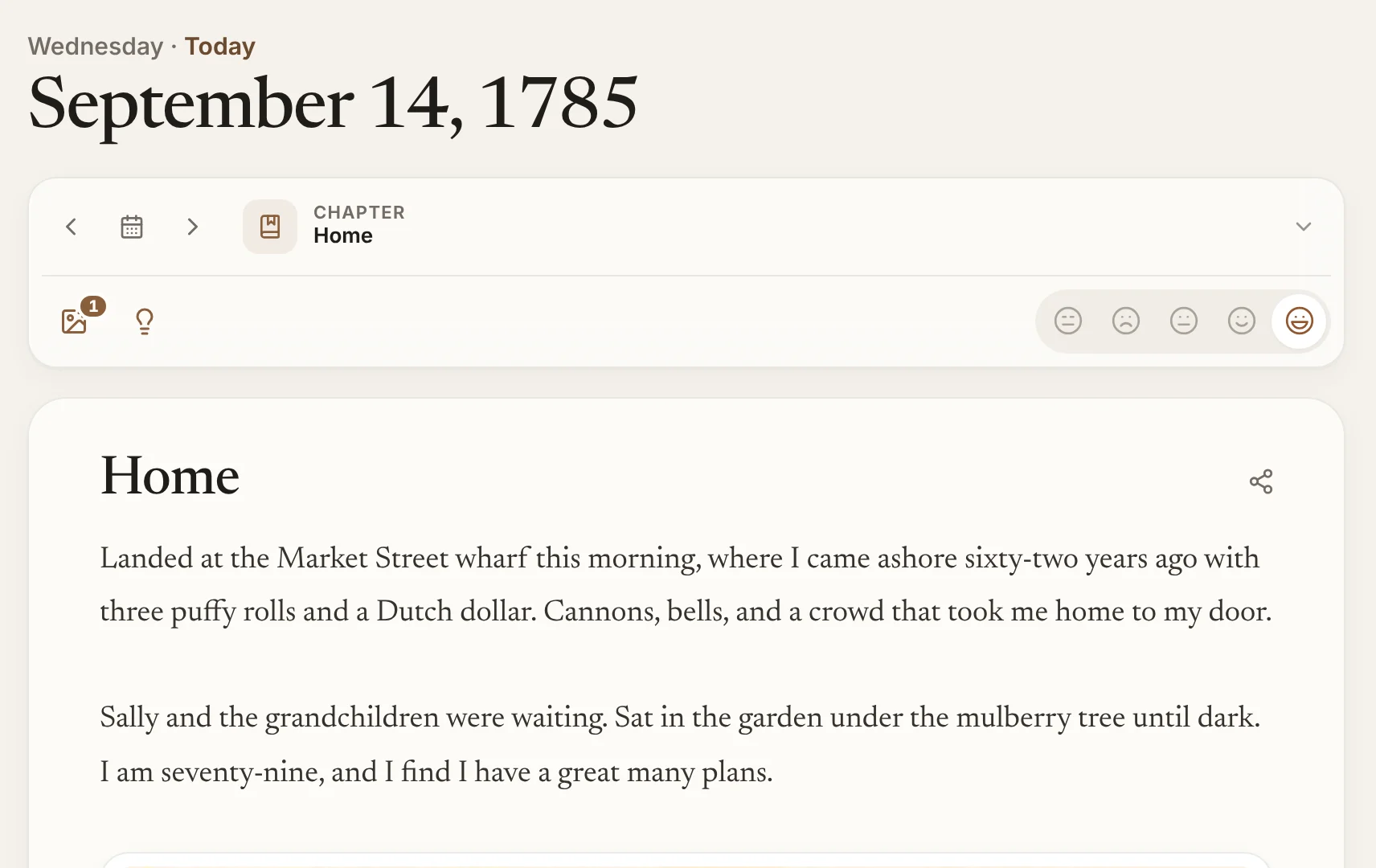
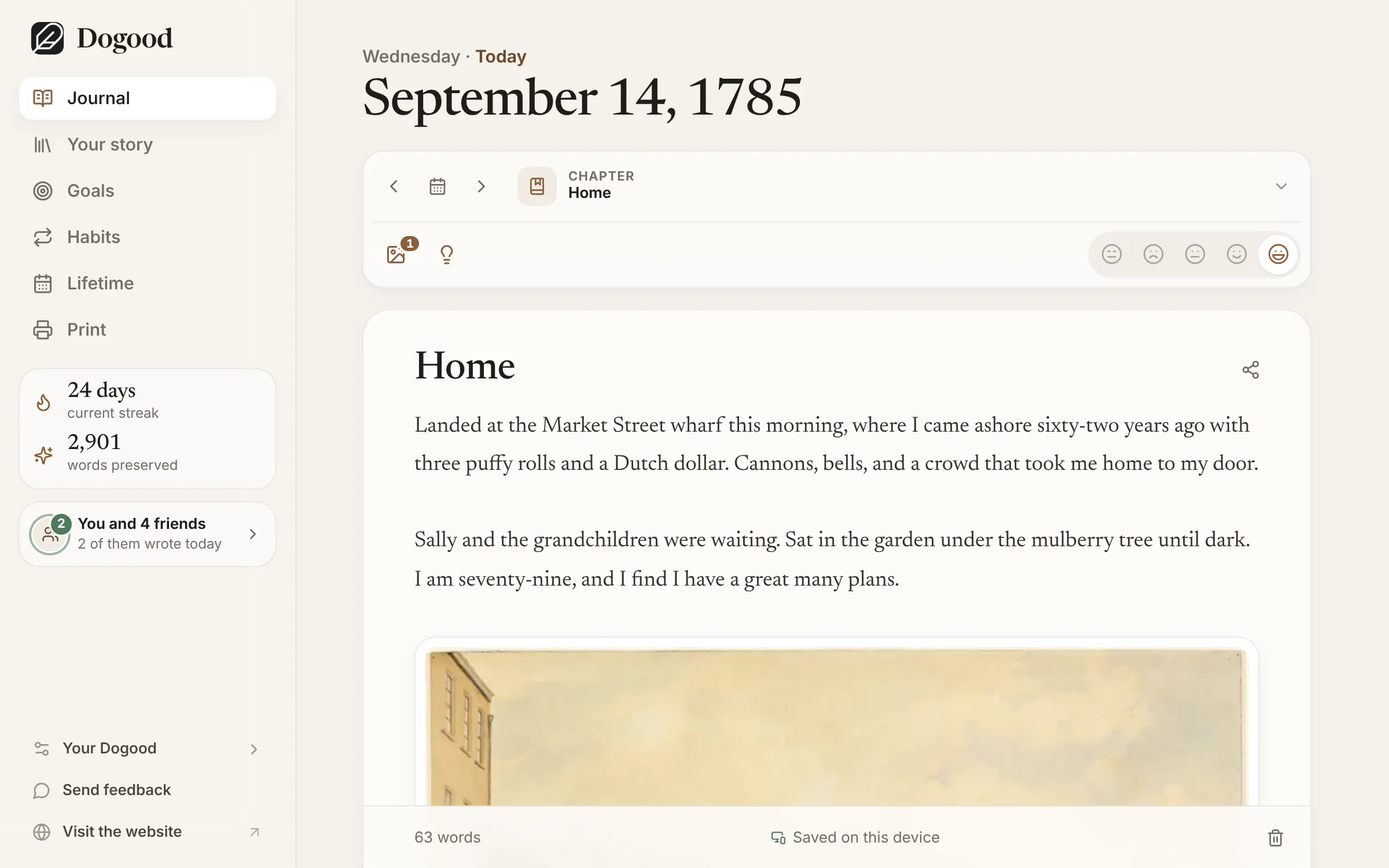
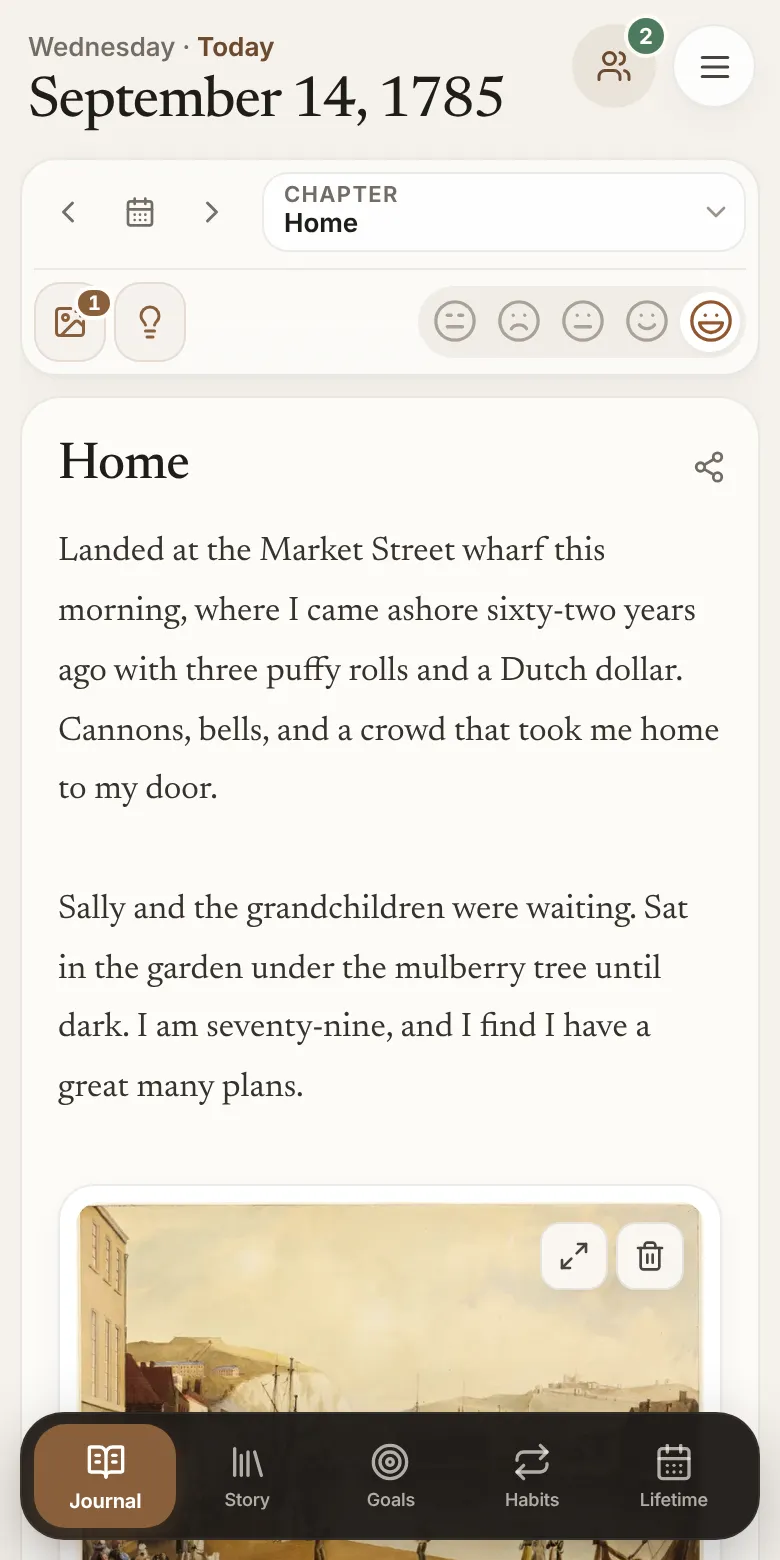
Go back or forward a day
Use the arrows to go back or forward a day, or swipe the page sideways.
On a computer · Use the arrows to go back or forward a day.
Open the calendar
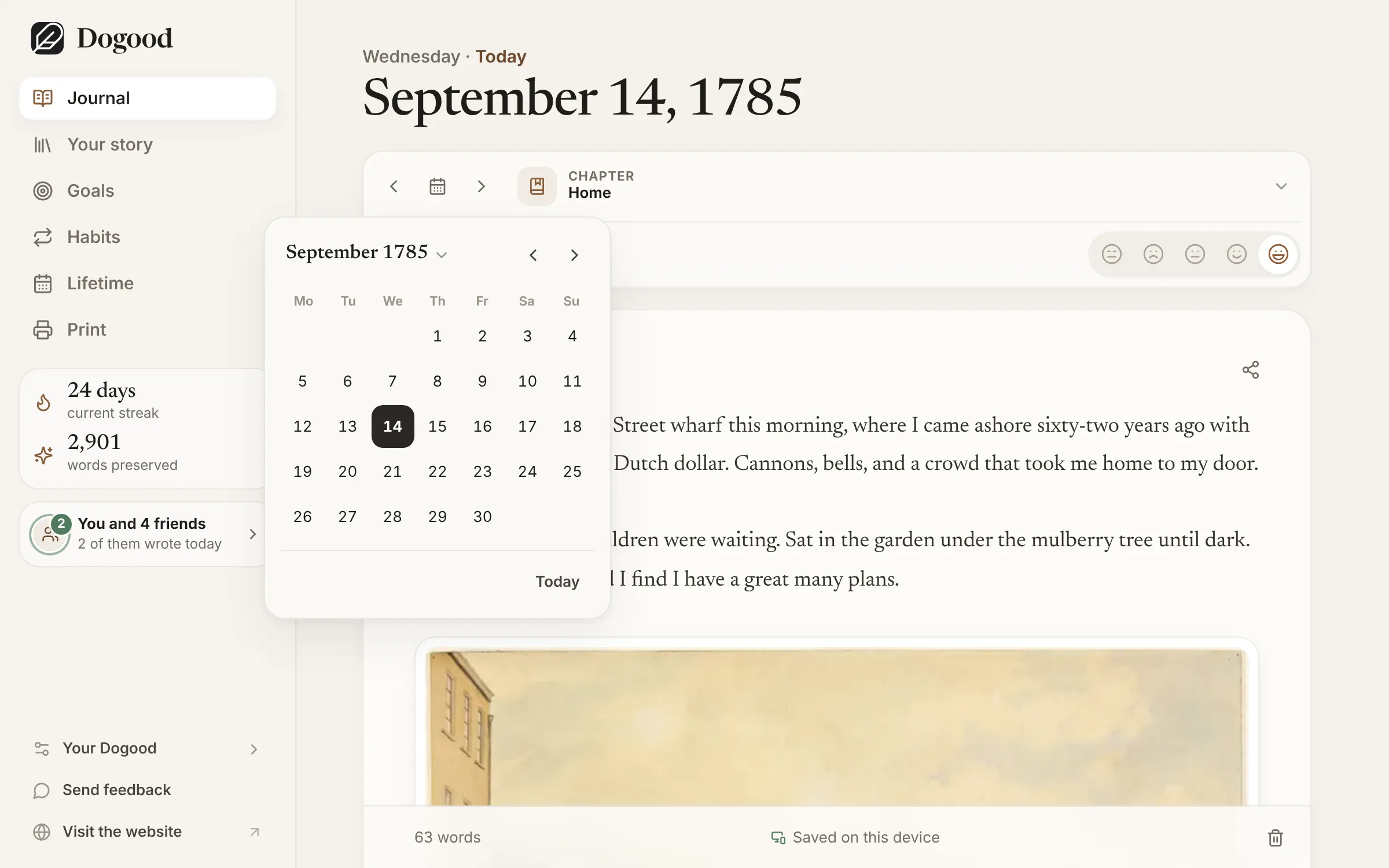
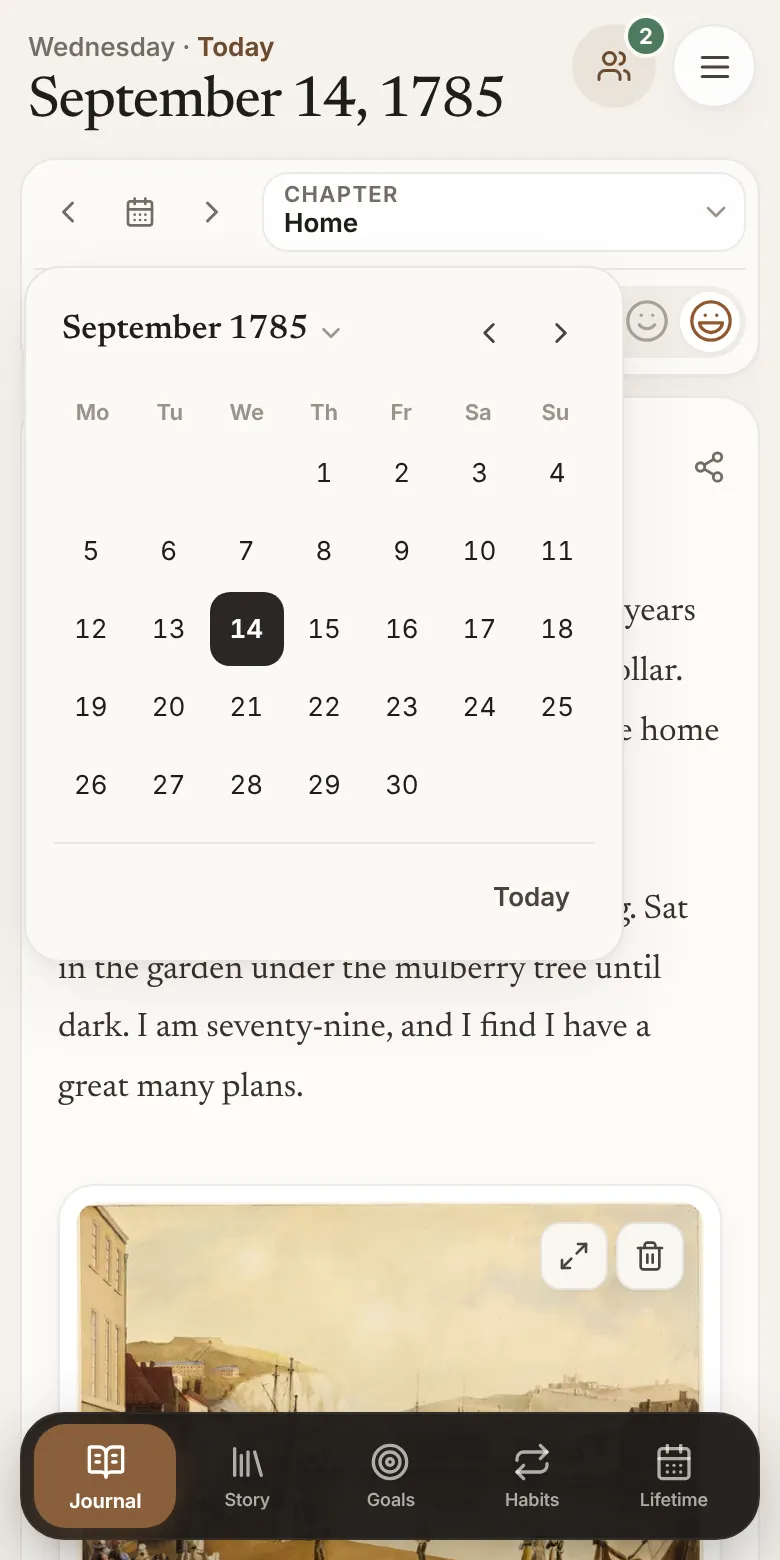
The calendar takes you straight to any date.
Write a day long past
Choose a day, even one long past, and write it.
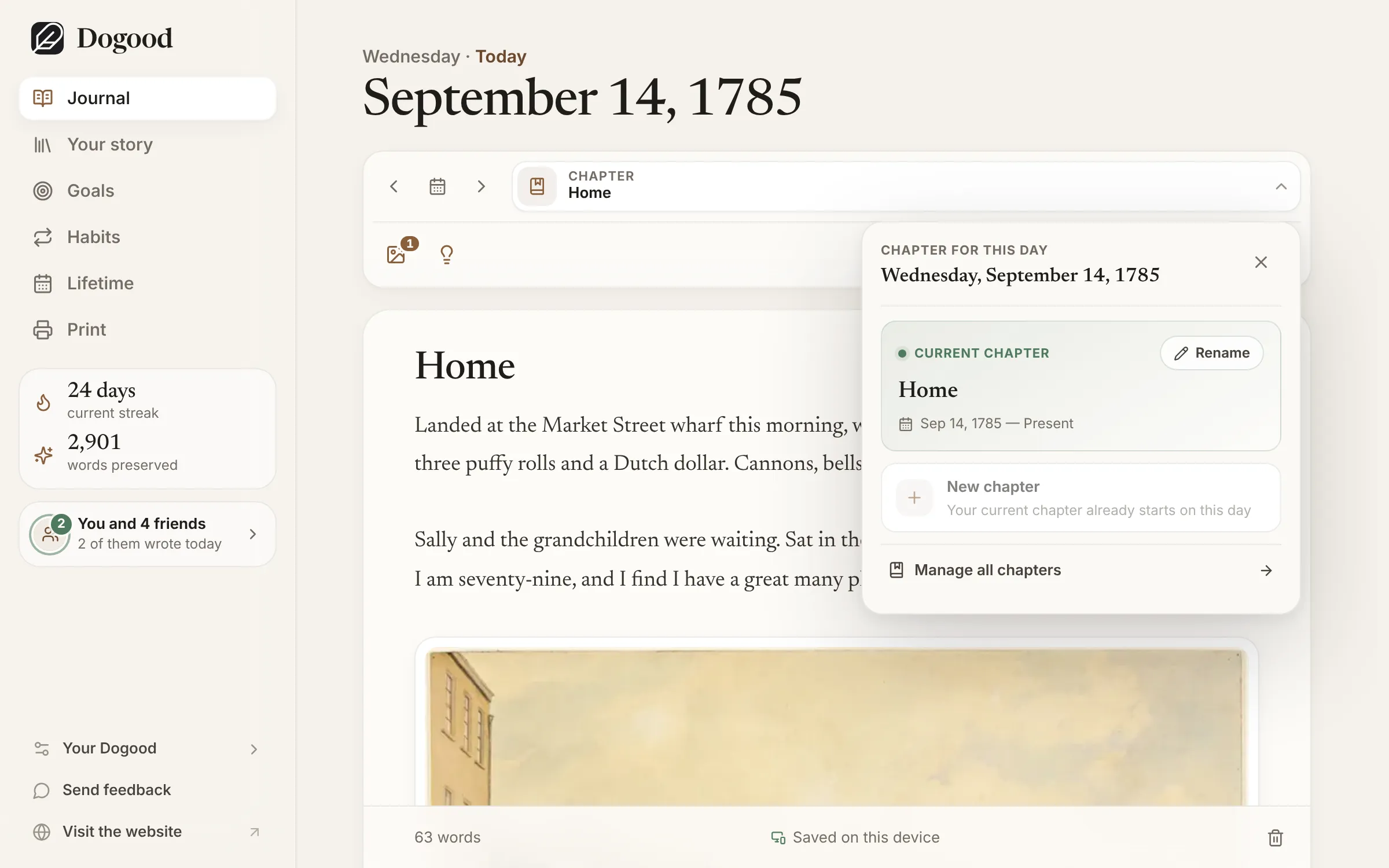
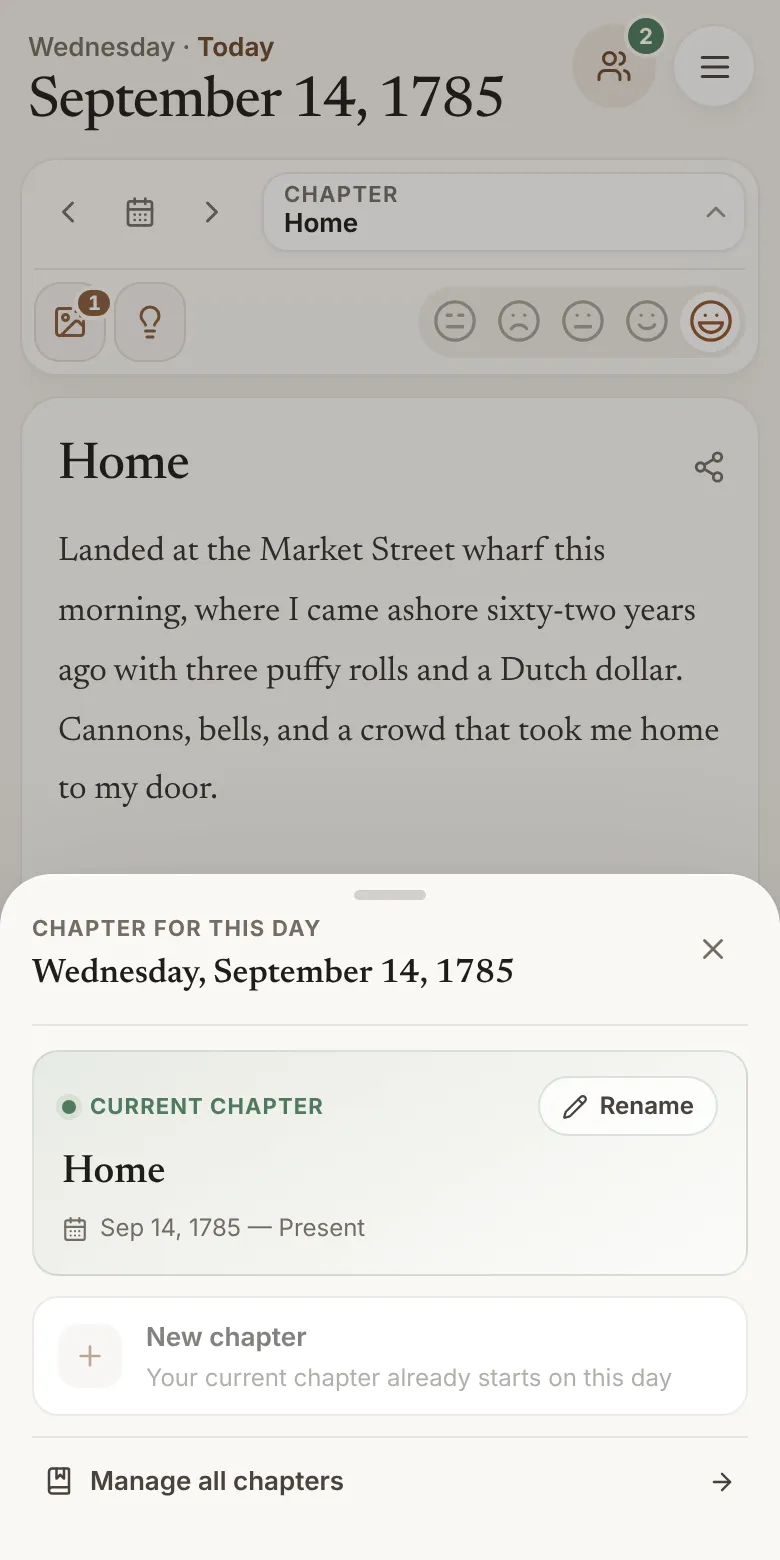
Change the chapter
Each day belongs to a chapter of your life. Change it here, or start a new one.